I cannot use phone support
Look for text, live chat, email, relay, AAC-friendly, or written support options.
Open text/chat support
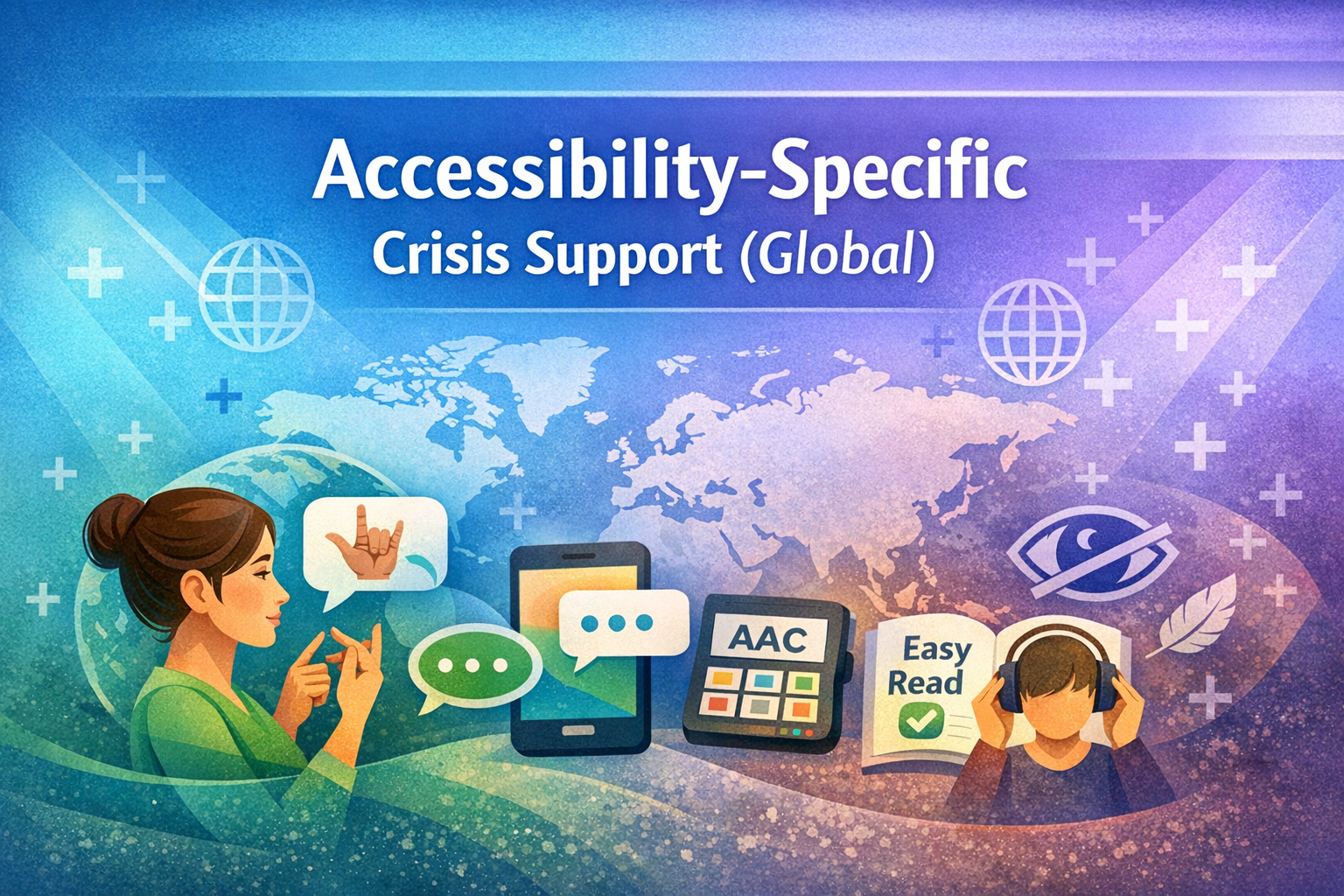
Crisis support is not one-size-fits-all. This page is for people who may need crisis support adapted around communication, sensory needs, disability, mobility, language, culture, chronic illness, neurodivergence, hidden disability, trauma, or access barriers.
It can also help parents, carers, support workers, teachers, professionals, family members, community workers, and trusted adults understand what accessible crisis support may need to look like.
If you or someone else is in immediate danger, medically unsafe, at risk of serious harm, missing, or unable to stay safe, contact local emergency services now.
This page mentions crisis, distress, communication barriers, disability access, self-harm risk, suicide risk, abuse, medical risk, trauma, and urgent support. You can move slowly and use the section links if reading the full page feels like too much.
Support does not have to happen by phone, spoken words, eye contact, or fast responses to be valid. Accessible support is still real support.
If standard crisis support does not work for someone, that does not mean the person is “difficult.” It may mean the support pathway needs to change.
Choose the option that feels closest. You do not need to know the perfect category before asking for help.
Look for text, live chat, email, relay, AAC-friendly, or written support options.
Open text/chat supportLow-demand, sensory-aware, slower-paced, and neurodivergent-friendly crisis support may fit better.
Open sensory supportUse AAC, writing, typing, symbols, support people, Easy Read, plain language, or extra processing time.
Open communication accessFocus on reducing pressure, offering choices, allowing time, and using the communication method that works for them.
Open helper supportMany crisis systems assume a person can speak clearly, make phone calls, answer questions quickly, travel to services, sit in bright or noisy spaces, understand complex language, or explain what is happening under pressure.
This page helps name those needs so people can find safer, calmer, and more realistic ways to access support.
Use the search or filter to find the access pathway that fits best.
Support may need reduced sensory input, clear language, extra time, fewer questions, and no pressure to make eye contact or speak quickly.
Open autism supportSupport may need short steps, grounding before problem-solving, less shame, and calm support during emotional flooding.
Open ADHD supportSupport should not depend on fluent speech. Typing, AAC, gestures, yes/no options, written prompts, and extra processing time may help.
Open communication accessFor people who use AAC, typing, gestures, symbols, support people, or lose speech during crisis.
Open non-speaking supportSome people need quieter spaces, reduced lighting, less noise, fewer people, lower pressure, and sensory tools before they can communicate safely.
Open sensory supportFor shutdowns, meltdowns, loss of speech, panic, overload, and support that reduces pressure rather than escalating distress.
Open shutdown/meltdown supportFor long-term overload, exhaustion, capacity loss, shutdowns, withdrawal, and needing low-demand recovery support.
Open burnout supportPain, fatigue, brain fog, medical trauma, or fluctuating capacity can affect crisis access and communication.
Open chronic illness supportSomeone may look “fine” while struggling to communicate, cope, stay safe, or manage overwhelming access needs.
Open hidden disability supportSupport may need Easy Read, simplified language, slower pacing, visual support, and supported decision-making.
Open learning disability supportText-based crisis lines, live chat, messaging, email, and written support can be safer for people who cannot manage phone calls.
Open text/chat supportFor health professionals, support workers, community navigators, advocates, and trusted helpers supporting someone in crisis.
Open professional supportThese sections explain what may be harder in crisis and what support may need to change.
Accessible crisis support may need to happen in different ways.
Text or SMS support may help when speaking is hard, unsafe, exhausting, or overwhelming.
Webchat can offer lower-pressure support and may be easier for people who need written processing time.
Video relay and sign-language access may be essential for Deaf and hard-of-hearing people.
AAC devices, symbol boards, communication apps, typing, and assisted communication should be respected.
Support can include gestures, cards, yes/no prompts, written scripts, pointing, or quiet presence.
Lower light, quieter rooms, reduced waiting pressure, fewer people, and sensory tools may make support safer.
Accessible crisis support should feel calmer, clearer, and more possible — not more overwhelming.
Preparing access needs in advance can make crisis support easier to use later.
Write down whether you prefer text, chat, AAC, simple language, yes/no questions, or support person help.
List what helps: quiet space, headphones, dim light, reduced touch, grounding tools, or fewer people.
Keep names and contact details for people who understand your needs and can help communicate during crisis.
Prepare short phrases such as “I cannot speak right now,” “I need text support,” or “Please give me time.”
Include emergency numbers, text/chat lines, relay services, local crisis teams, and trusted services.
A short written note can explain access needs quickly when you are overwhelmed or unable to explain verbally.
You do not need the perfect words before asking for help. You can use short, simple phrases.
“I need help but I am struggling to explain.” “I cannot speak right now.” “Please give me time.”
You can ask someone to use fewer words, repeat information, write things down, or wait while you process.
If typing is easier, prepare a short message you can copy, paste, or show to someone safe.
These pages connect accessibility needs with the wider crisis support structure.
For autism, ADHD, sensory overwhelm, shutdowns, meltdowns, burnout, masking, and communication access.
Open neurodivergent supportFor AAC, text, writing, Easy Read, plain language, support people, and non-phone support.
Open communication accessFor people who use AAC, typing, gestures, symbols, support people, or unreliable speech.
Open non-speaking supportFor sensory overload, low-stimulation needs, quiet support, and reduced-pressure crisis help.
Open sensory supportFor shutdowns, meltdowns, loss of speech, overwhelm, panic, and safer support responses.
Open shutdown/meltdown supportFor invisible, fluctuating, chronic, sensory, communication, or misunderstood access needs.
Open hidden disability supportFor clearer communication, extra processing time, supported decision-making, and accessible crisis pathways.
Open learning disability supportFor calmer, consent-aware, dignity-focused, sensory-aware crisis support.
Open trauma-informed supportFor hidden distress, appearing “fine,” masking, burnout, and risk that may not be obvious.
Open masking supportFor clinicians, nurses, doctors, emergency teams, and health workers supporting neurodivergent people.
Open professional supportFor peer workers, advocates, support coordinators, navigators, and community helpers.
Open community supportFind support based on country, region, or local pathway.
Open location supportIf a crisis service does not understand your access needs, that does not mean your needs are wrong. It means support may need to be adapted. You are allowed to ask for communication access, sensory support, extra time, written options, or a safer support method.
Aspie Answers provides education, signposting, and supportive information. This page is not a replacement for emergency care, medical advice, therapy, legal advice, safeguarding procedures, disability advocacy, or professional crisis assessment. In an emergency, contact local emergency services immediately or use accessible emergency options available in your country.