
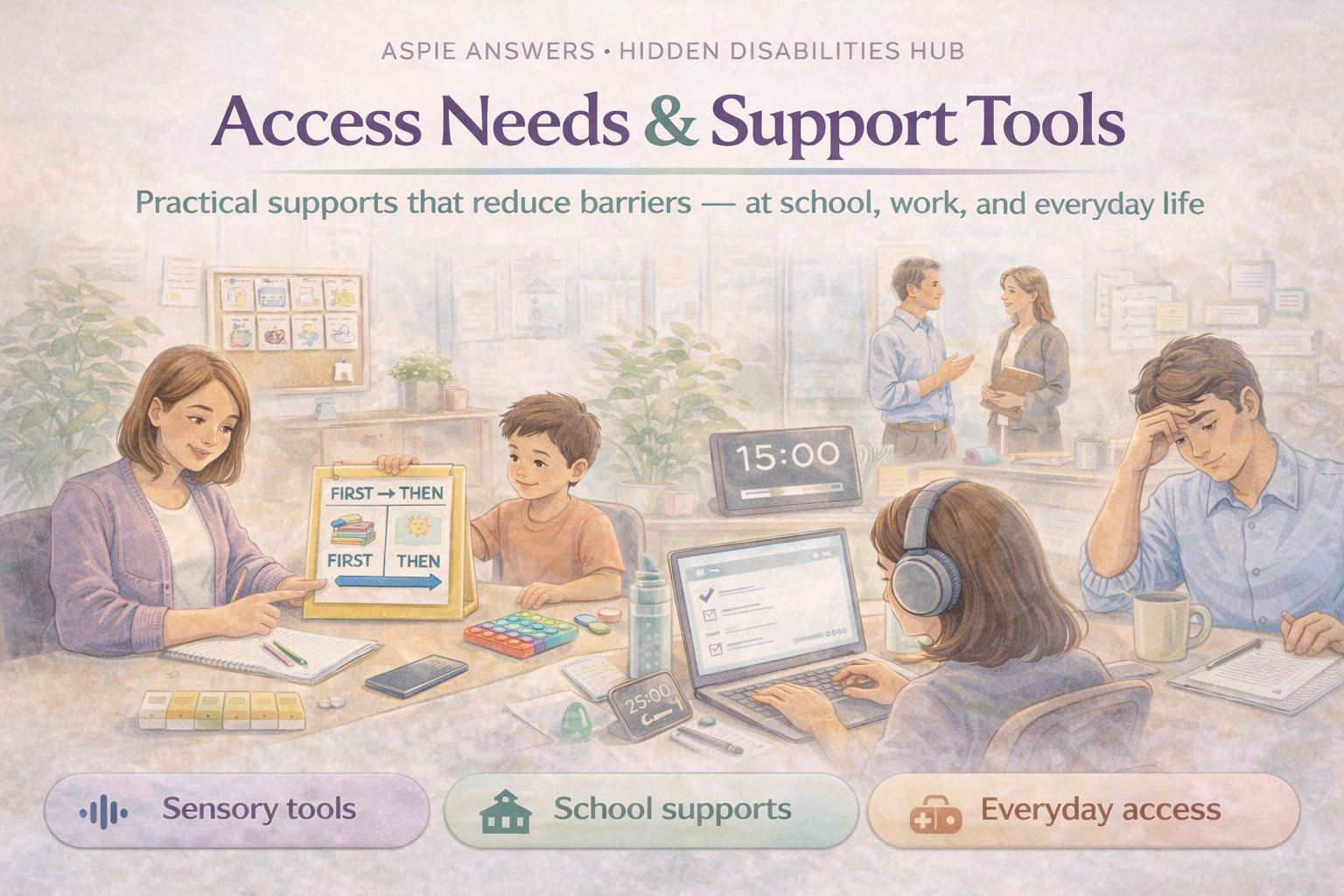
ASPIE ANSWERS • HIDDEN DISABILITIES HUB
Access needs are the practical supports that help someone participate, learn, work, and live with dignity. They’re not “special treatment” — they’re the tools that remove barriers.
Access needs are the adjustments, tools, or supports a person may need to participate safely and fairly — especially when symptoms are invisible, fluctuating, or misunderstood.
Support should be based on how daily life is affected — not how visible a condition looks.
Using supports is a strength. Tools help people do more with less strain.
People can have one need or many — and needs can change over time.
Noise, light, crowding, textures, smell, or movement.
Processing time, clarity, and format changes.
Memory, attention, planning, or “brain fog”.
Symptoms may fluctuate — support helps prevent crashes.
Standing, walking distance, seating, temperature, or accessibility.
These are common, low-pressure tools that reduce stress and increase access.
Keep a small kit in your bag (or desk) so support is always nearby.
Helpful adjustments for invisible needs at school, uni, training, or study.
Support options that reduce barriers while protecting energy and health.
Plan for capacity changes so you don’t have to renegotiate from scratch each time.
Short scripts that focus on impact + what helps — no over-explaining required.
Hi [Name],
I have a health/disability-related access need that isn’t always visible.
To learn well, I do best with: [quiet space / extra processing time / notes in advance / short breaks].
Can we set up a simple plan so I can access support without disruption?
Thank you,
[Name]
Hi [Name],
I’m managing a health/disability-related need that can affect energy and focus.
I’m not asking for special treatment — I’m asking for a practical adjustment:
[written instructions / flexible start time / quiet workspace / planned breaks].
This will help me maintain consistent performance.
Thanks,
[Name]
Quick answers — we can expand these into dedicated pages later.
Note: If your index page slug is different (for example, /hidden-disabilities-hub-mdev/), update the link above and you’re done.