Job Search & Application Tools
Checklists, application planners, vacancy tracking, employer research, follow-up and manageable next-step tools.
Explore Finding Work & Career Planning →
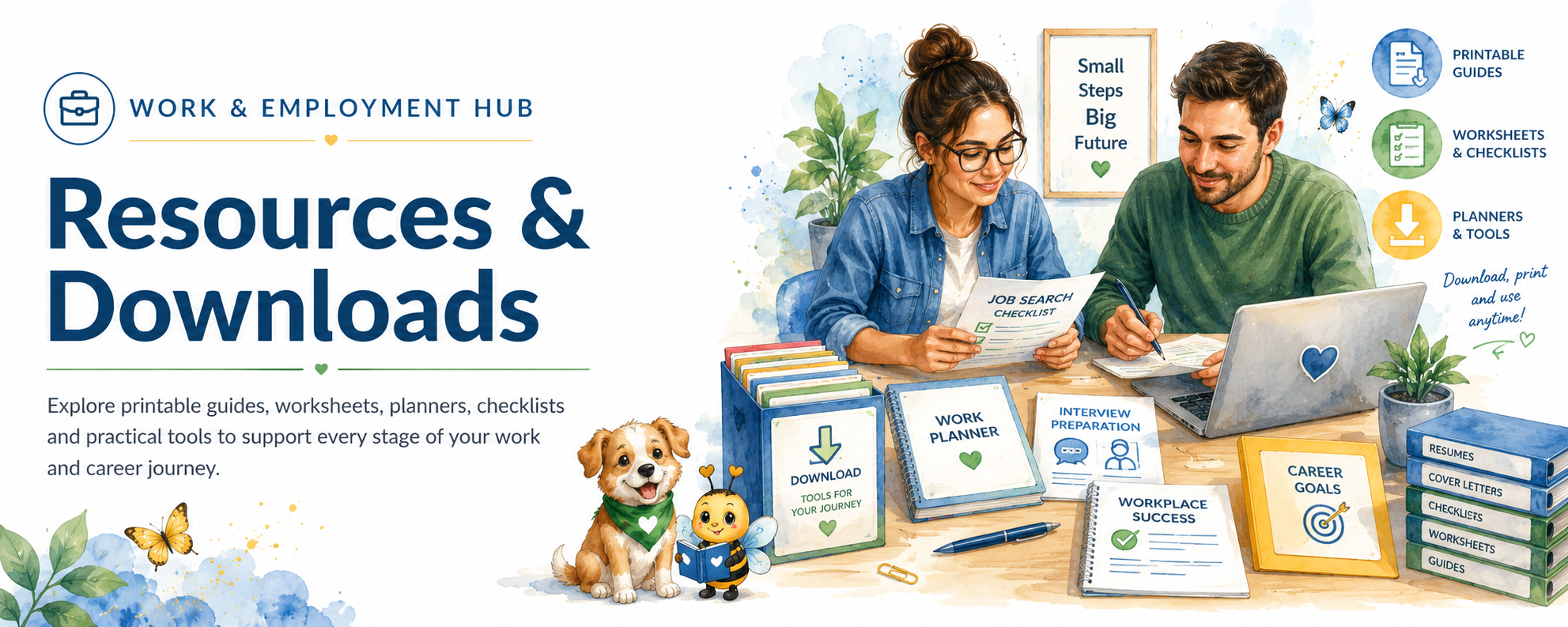
Find practical work-related worksheets, planners, checklists, templates, guides and toolkits — and the pathway they belong with — without having to search the whole website.
This page is the specialist doorway for Work & Employment resources. The main Downloads & Resources Library remains the sitewide catalogue.
Find practical tools by Work & Employment need or pathway.
Browse resources from across all Aspie Answers hubs and subjects.
Find related resources grouped into useful themes, sets and packs.
Selected premium resources and collections can connect to store listings without duplicate files.
Search a word such as CV, interview, sensory, remote, rights, planner, client or volunteering, or filter by one of the seven main Work & Employment pathways.
Showing all resource areas.
Checklists, application planners, vacancy tracking, employer research, follow-up and manageable next-step tools.
Explore Finding Work & Career Planning →Planning sheets, prompts, templates, editing checklists, examples and self-review tools for job applications.
Explore application support →Practice questions, example planning, interview-day checklists, online interview preparation and note sheets.
Explore interview support →Daily and weekly planning, task breakdowns, priorities, reminders, routines and workload-management supports.
Explore Workplace Success →Meeting preparation, communication prompts, feedback notes, expectation check-ins and workplace confidence tools.
Explore communication support →Pacing, energy check-ins, sensory planning, boundaries, breaks, workload reflection and sustainable-work supports.
Explore workplace wellbeing →Workspace checklists, home-working routines, distraction planning, online meeting preparation and switching-off supports.
Explore Working From Home →Business planning, clients, projects, goals, productivity, budgeting, organisation and working-for-yourself supports.
Explore Self-Employment & Small Business →Preparation sheets and practical tools for adjustments, disclosure, rights questions, difficult situations and finding official guidance.
Explore Workplace Rights & Guidance →Strengths and interests worksheets, career comparisons, pathway planners, training questions and industry exploration tools.
Explore Industry & Career Pathways →Role-fit worksheets, preparation checklists, confidence and skills reflection, boundaries, safety and experience planning.
Explore Volunteering & Community Work →Gentle planning for returning after illness, burnout, caring, study, leave or another period away from work.
Explore return-to-work pathways →Try a shorter word, clear the filter, or use Topics A–Z to find the information doorway first.
Not every topic needs every format. The most useful format should be chosen for the task and audience.
Plain-language explanations, practical strategies and step-by-step support.
Prompts for thinking, preparing, reflecting, planning and recording personal information.
Smaller visible steps that reduce the need to remember everything at once.
Time, tasks, deadlines, routines, energy, goals and longer-term planning.
Reusable structures for applications, cover letters, employer research, notes and work communication.
Track applications, habits, tasks, progress, energy or other changing information.
Several related practical tools brought together around one need or challenge.
Deeper guided resources with information, reflection, planning and practical exercises.
Related resources grouped together so people can choose the pages that fit their current goal.
Editions should only be created when they genuinely improve access, usefulness or audience fit.
Use browser zoom, device magnification or a larger-print edition when available.
You do not need to print a whole workbook or pack when only one or two pages are useful.
Type into a suitable digital copy, use assistive technology or work alongside another person where practical.
Skip prompts, change the order, use only part of a page or combine tools in a way that fits your situation.
Pause, return later and protect your energy. A resource does not need to be finished in one sitting.
A family member, supporter, teacher, employment adviser, coach or professional may be able to use a resource with you.
No. Choose the tool that matches your current situation and ignore the rest until or unless they become useful.
The Work page is the specialist doorway. The main Downloads & Resources Library is the sitewide catalogue. One resource can be linked from both without creating duplicate files.
Resources & Downloads helps you find individual tools and resource types. Collections group related resources into a useful set or themed pack.
No. Editions are created when they genuinely suit the resource, audience or access need rather than forcing every design format onto every tool.
Many tools can be used independently or alongside a family member, supporter, teacher, employment adviser, coach or healthcare professional. Audience-specific editions may be added where useful.
Selected premium resources and collections can connect to the Aspie Answers store and aligned external storefronts. The website should remain the clearest master route for finding what exists.
A small checklist, planner, worksheet or guide can be more useful than a large pack you feel pressured to complete. Start where you are and use only what helps.