
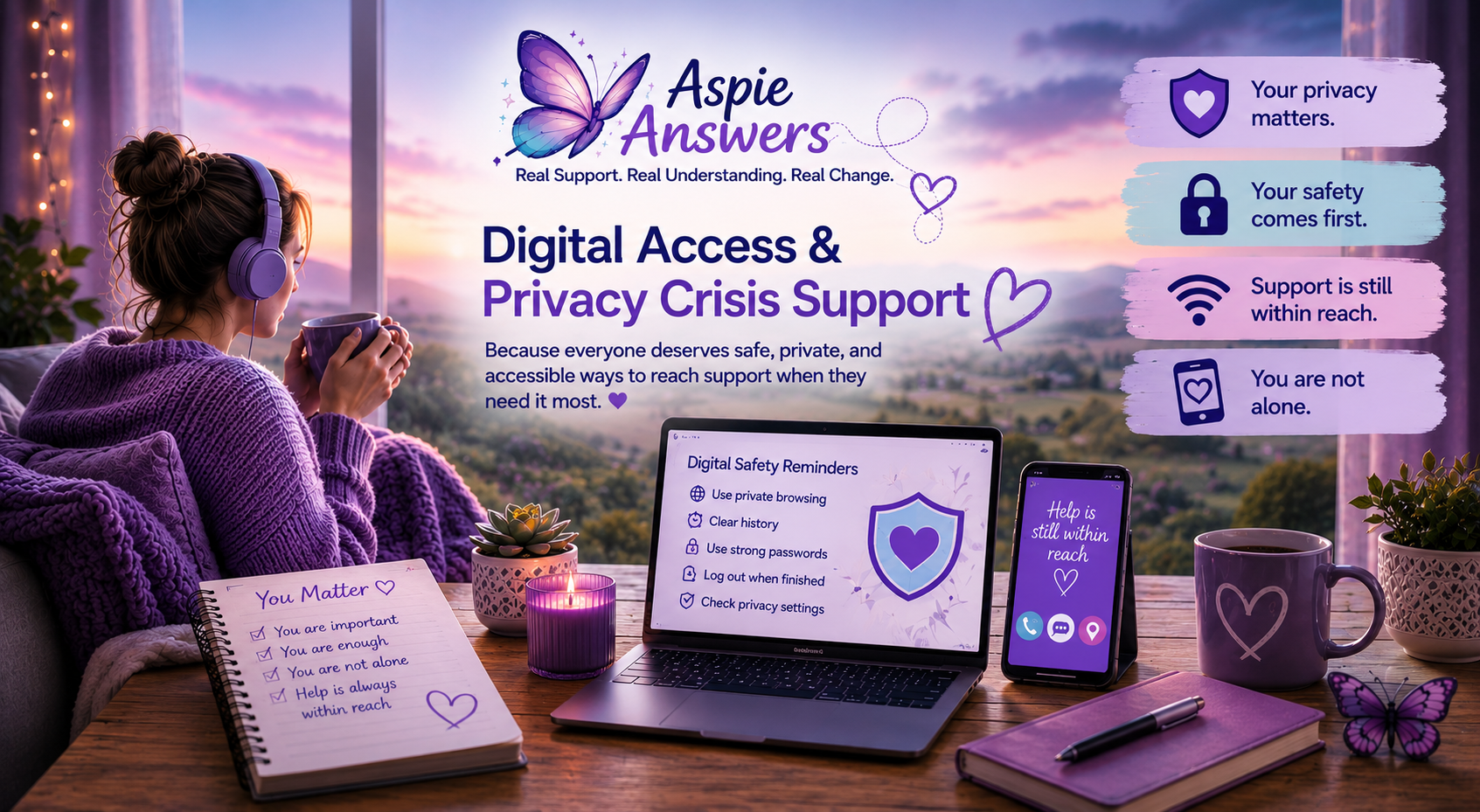
Digital Access & Privacy Crisis Support
A practical crisis access page for people facing unsafe devices, monitored browsing, limited internet, phone access issues, privacy worries, digital safety risks, or online support barriers when trying to get help.
Common Digital & Privacy Access Barriers
Technology can help people access support, but digital access and privacy concerns can also create extra stress, fear, or barriers when trying to reach help safely.
Unsafe or Shared Devices
Some people may rely on shared devices, monitored phones, public computers, or unsafe home environments where privacy feels limited.
Internet & Data Limitations
Limited internet access, unstable Wi-Fi, phone signal issues, or low mobile data can make support harder to access.
Privacy & Monitoring Concerns
People may worry about browser history, messages being seen, account monitoring, location sharing, or digital tracking.
Technology Accessibility
Apps, websites, passwords, forms, and online systems can sometimes feel difficult or overwhelming during stressful moments.
Digital Safety & Crisis Planning Ideas
Simple digital safety steps may help some people feel safer when accessing support online or using devices during difficult situations.
Clear Browser History
Where safe and appropriate, clearing browser history, downloads, or recent activity may help protect privacy on shared devices.
Use Private Browsing
Private/incognito browsing may reduce saved activity on some devices, although it does not guarantee complete privacy.
Protect Passwords
Using strong passwords and logging out after use may help improve digital safety where possible.
Trusted Support People
Trusted friends, whānau, schools, libraries, support workers, or community groups may help people access safer devices or internet.
Helpful Phrases To Use
Important Disclaimer
Aspie Answers provides educational information, supportive guidance, and signposting only. This page is not a replacement for emergency services, medical care, therapy, legal advice, or professional crisis support.