
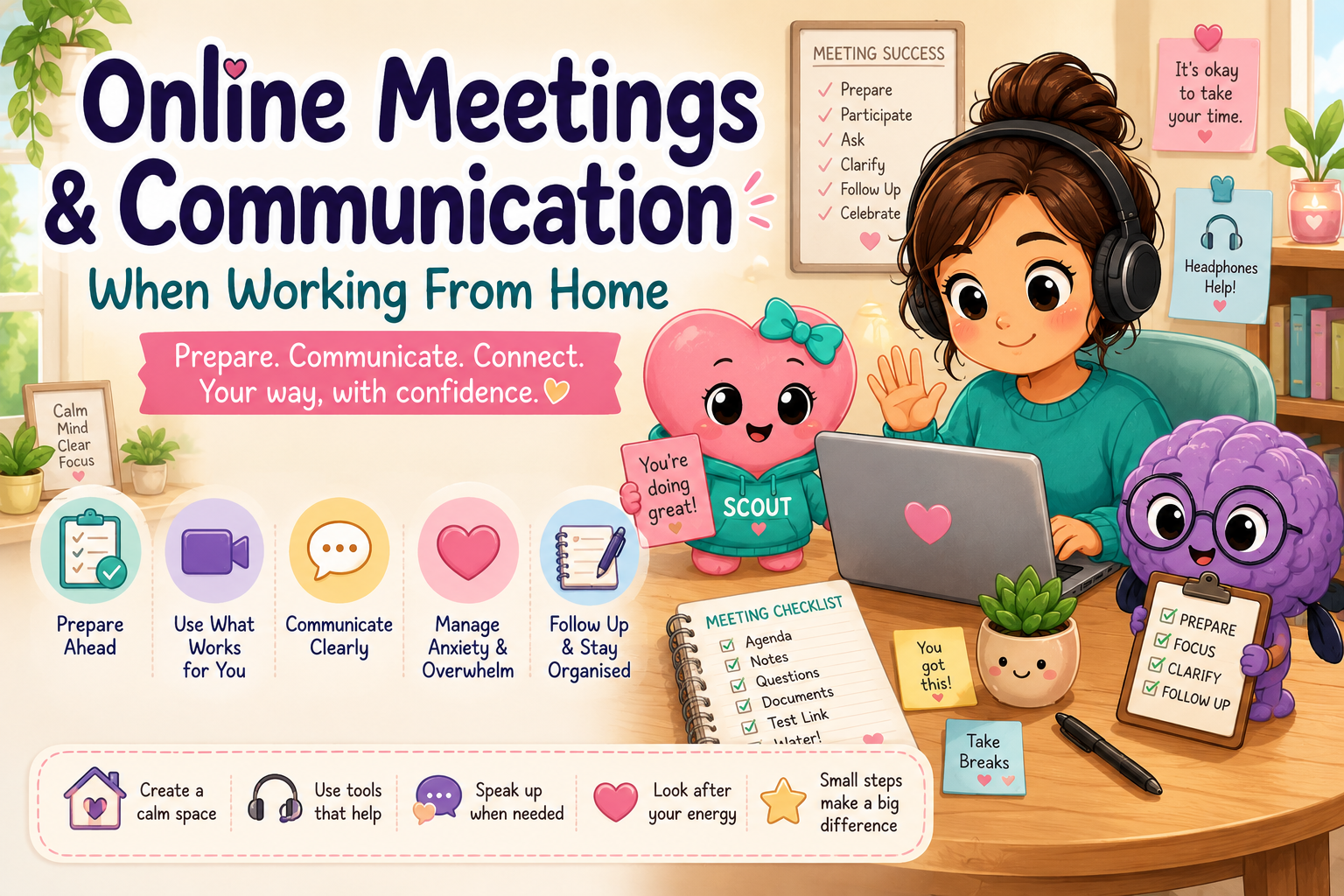
Online meetings and remote communication can make working from home easier, but they can also create new pressures. Video calls, unclear instructions, unexpected questions, multiple communication platforms and constant notifications can quickly become tiring or overwhelming.
You do not have to communicate in exactly the same way as everyone else. Clear preparation, supportive tools and flexible communication choices can help online meetings feel calmer, more predictable and easier to manage.
Remote communication often requires people to listen, process information, watch the screen, take notes, manage technology and decide when to speak—all at the same time.
It may take extra time to understand questions, organise thoughts or prepare a response.
Seeing yourself on screen or feeling watched can increase anxiety and self-consciousness.
Background noise, multiple speakers and notification sounds can make it harder to concentrate.
Trying to listen carefully while also recording important information can create cognitive overload.
Being asked to respond without warning may make it difficult to give a clear or complete answer.
Moving between email, chat, shared documents and meeting software can increase executive-function demands.
A few small preparation steps can reduce uncertainty and help you feel more confident before an online meeting begins.
Your surroundings can affect how easy it is to listen, process and communicate. You do not need a perfect office—just a space that supports you as much as possible.
Use headphones, close doors or let others know that you are in a meeting.
Adjust lighting, screen brightness, seating and room temperature where possible.
Have your agenda, notes, questions and communication reminders within view.
Silence unnecessary alerts so they do not interrupt your concentration.
Not every conversation needs to happen through a video meeting. Different communication methods can be useful for different situations.
Useful for discussion, collaboration and visual demonstrations.
May reduce visual pressure while still allowing real-time discussion.
Helpful for quick questions, updates and informal communication.
Provides time to process information and create a considered response.
Useful for collaborative planning, feedback and clear written records.
Helps everyone remember decisions, responsibilities and deadlines.
Use a notebook, agenda or digital document to help you remember what you want to say.
Typing a question or comment may feel easier than interrupting the conversation.
It is okay to ask someone to repeat, rephrase or explain information differently.
You can say that you need a moment to consider the question or that you would prefer to respond later in writing.
Repeat key tasks, deadlines or decisions to make sure everyone has the same understanding.
“Could you please explain that another way?”
“Can you repeat the last part?”
“Could you put that in writing?”
“I need a moment to think about that.”
“Could I respond after the meeting?”
“I would like time to review the information first.”
“Can we return to the agenda?”
“What is the next action from this discussion?”
“Who is responsible for that task?”
“I communicate better with my camera off.”
“I need one person to speak at a time.”
“Could we schedule a short break?”
Online meetings can use a great deal of mental and emotional energy. Planning for recovery is just as important as preparing for the meeting itself.
Reasonable communication adjustments can make online meetings more accessible, productive and inclusive.
ADHD and executive-function differences can affect attention, working memory, time awareness, task switching and follow-up.
Autistic people may experience differences in social timing, sensory processing, interpreting indirect language and responding under pressure.
A simple follow-up routine can prevent important information from being forgotten.
You are allowed to communicate differently, ask for clarity and use the tools that help you participate successfully.
This page can later connect visitors with practical Aspie Answers tools and printable resources, including:
Preparation, clear expectations and flexible communication options can make online meetings feel more manageable. Small adjustments can support confidence, understanding and meaningful participation.
Explore More Working From Home Support