
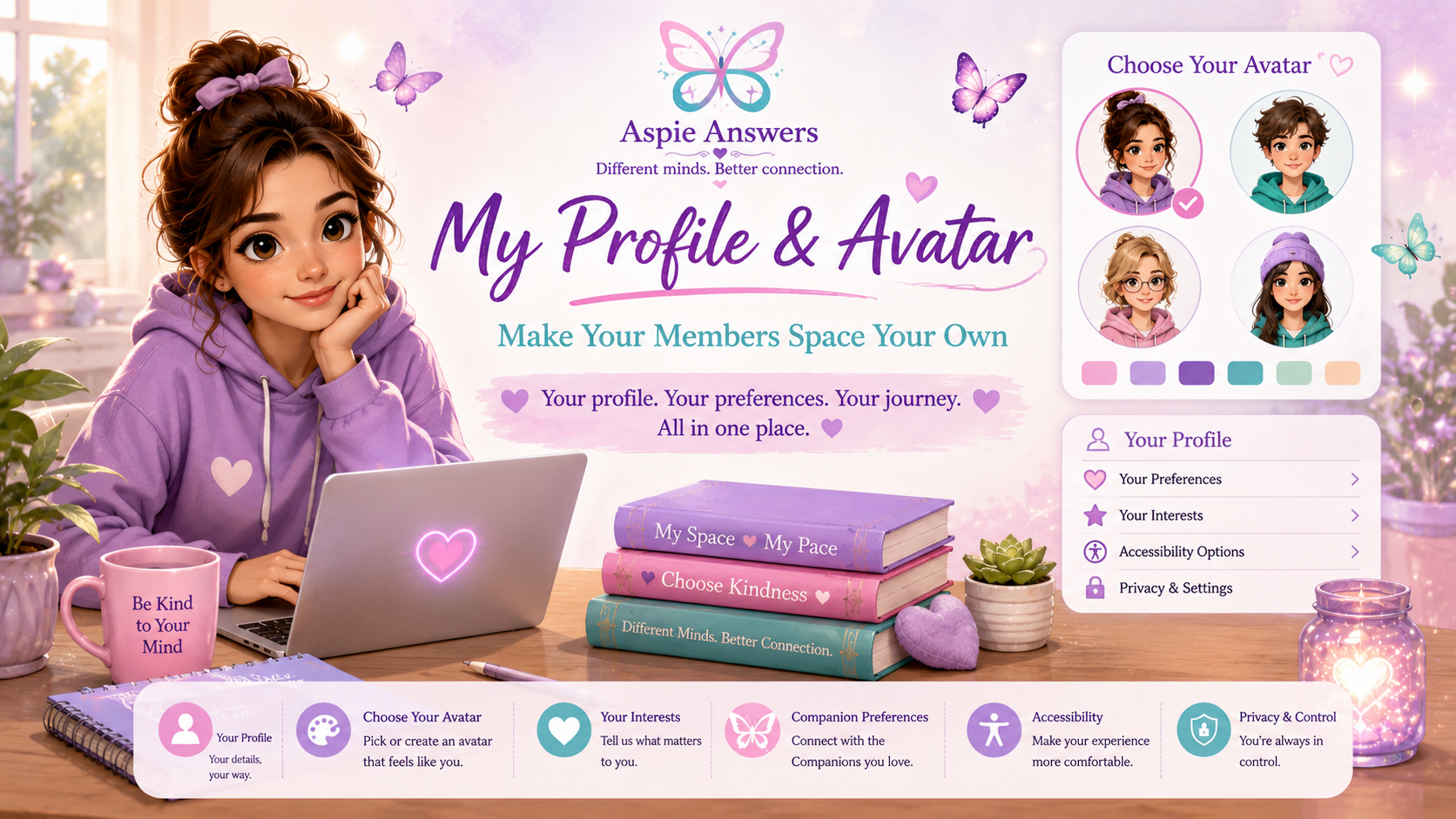
Your Profile • Your Choices • Your Space
My Profile & Avatar
Personalise your Aspie Answers Members Space in ways that feel useful and comfortable for you. Explore your profile, avatar choices, interests, accessibility preferences and Companion connections at your own pace.
A Simple Profile That Can Grow With You
Your profile can become a familiar home for the choices that help shape your Members Space, without requiring you to fill in everything.
Profile Details
Choose the information you want to use as the member profile system grows.
Avatar
Represent yourself without needing a personal photograph.
Preferences
Personalise interests and useful pathways without needing to choose everything.
Accessibility
Make the experience more comfortable for the way you read, navigate and focus.
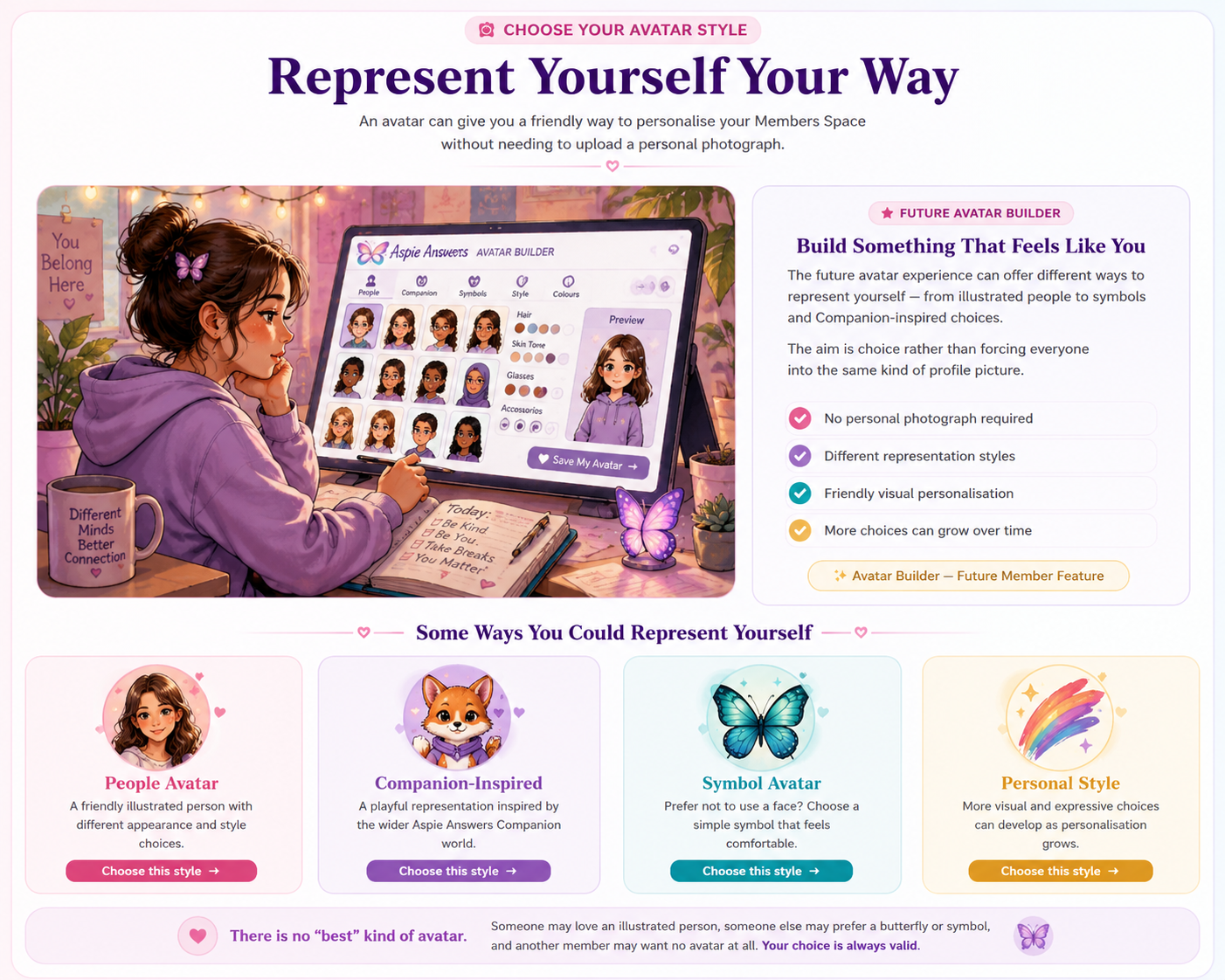
Represent Yourself Your Way
An avatar can give you a friendly way to personalise your Members Space without requiring you to upload a personal photograph.
Make the Things You Care About Easier to Find
Choose as many or as few topics as you want. These preferences can eventually help shape useful shortcuts and discovery pathways while keeping the wider Aspie Answers site available to explore.
Shape the Experience Around What Helps
Personalisation can bring together profile choices, interests, accessibility, privacy, Companion preferences and communication choices without expecting every member to configure everything.

Profile & Avatar
Choose how you represent yourself and which profile details feel useful.
Resources & Interests
Favourite topics can help useful resource pathways become easier to find.
Accessibility & Display
Reading, motion and layout preferences can support comfort and control.
Privacy & Visibility
Future profile visibility should remain understandable and choice-led.
Companion Preferences
Favourite Companions can eventually make familiar Companion-led support easier to reach.
Communication Preferences
Future community features can respect quieter and more active ways of connecting.
Make Your Members Space More Comfortable to Use
These controls work on this page now and your selections are remembered on this browser or device.
Increase text size within this profile page. The layout also opens up so writing stays safely inside its cards.
Remove the small hover and transition effects used on this page.
Reduce decorative gradients and shadows while keeping the page structure intact.
Quick-jump links remain near the top so you can move between sections without reading everything.
Your Profile Remains Your Choice
Personalisation should never require you to share more about yourself than you want to. Privacy and choice belong alongside every member feature.
Private Account Information
Some information may eventually be needed for member functionality, but that does not mean it should automatically become public.
- Account and sign-in information
- Private profile preferences
- Accessibility choices
- Saved interests or settings
What You Choose to Show
If future community features include visible profiles, members should have clear information about what other people can see.
- Display name or chosen profile name
- Avatar, symbol or no avatar
- Optional bio or interests
- Community visibility only where chosen
Connection Should Still Feel Safe
If Aspie Answers grows more interactive over time, member profiles and community spaces should be built around respect, boundaries, choice and clear safety pathways.
Respect Different Experiences
Communication differences and different support needs should be respected.
Personal Boundaries
Members should be able to decide what they share and which conversations they join.
Clear Reporting
Future interactive community features should provide straightforward reporting pathways.
Block & Step Away
Future community tools should allow members to leave unwanted interactions without unnecessary pressure.
Moderation & Guidelines
Community spaces need understandable expectations and responsible moderation before launch.
Participation Is Optional
Members should still be able to access useful content without joining social or community features.
Choose the Companions You Would Like Easier Access To
Favourite Companions can help make familiar Companion-led resources and activities easier to reach. Choose as many, as few or none as you like.
Your Current Choices
This summary updates as you make selections and restores them when you return using the same browser or device.
Personalisation Can Grow Gradually
What works now does not need to be thrown away later. The profile can gain deeper member-account features as the Members Space develops.
Remembered Choices
Your current profile selections now remain on this browser or device.
Member Account Saving
A later account integration can let preferences follow a logged-in member across devices.
Smarter Shortcuts
Saved interests can eventually help surface useful resources, topics and Companion content.
Richer Avatar Options
The avatar pathway can grow into a fuller builder without making photographs compulsory.
Personalisation Is There to Help
Your profile can support your Members Space, but it should never become another checklist you feel expected to finish.
My Dashboard
Return to your central member home for resources, updates, profile tools and support.
My Dashboard →My Resources & Downloads
Explore practical member resources, downloads and useful topic pathways.
My Resources & Downloads →Companion Corner
Explore Companion guides, resources, teams, activities and member extras.
Companion Corner →What’s New
Catch up on new member resources, Companion developments and site improvements.
What’s New →Member Help & Accessibility
Find help using the Members Space, access guidance and navigation support.
Member Help →Members Hub
Return to the main doorway for the wider Aspie Answers Members Space.
Members Hub →