
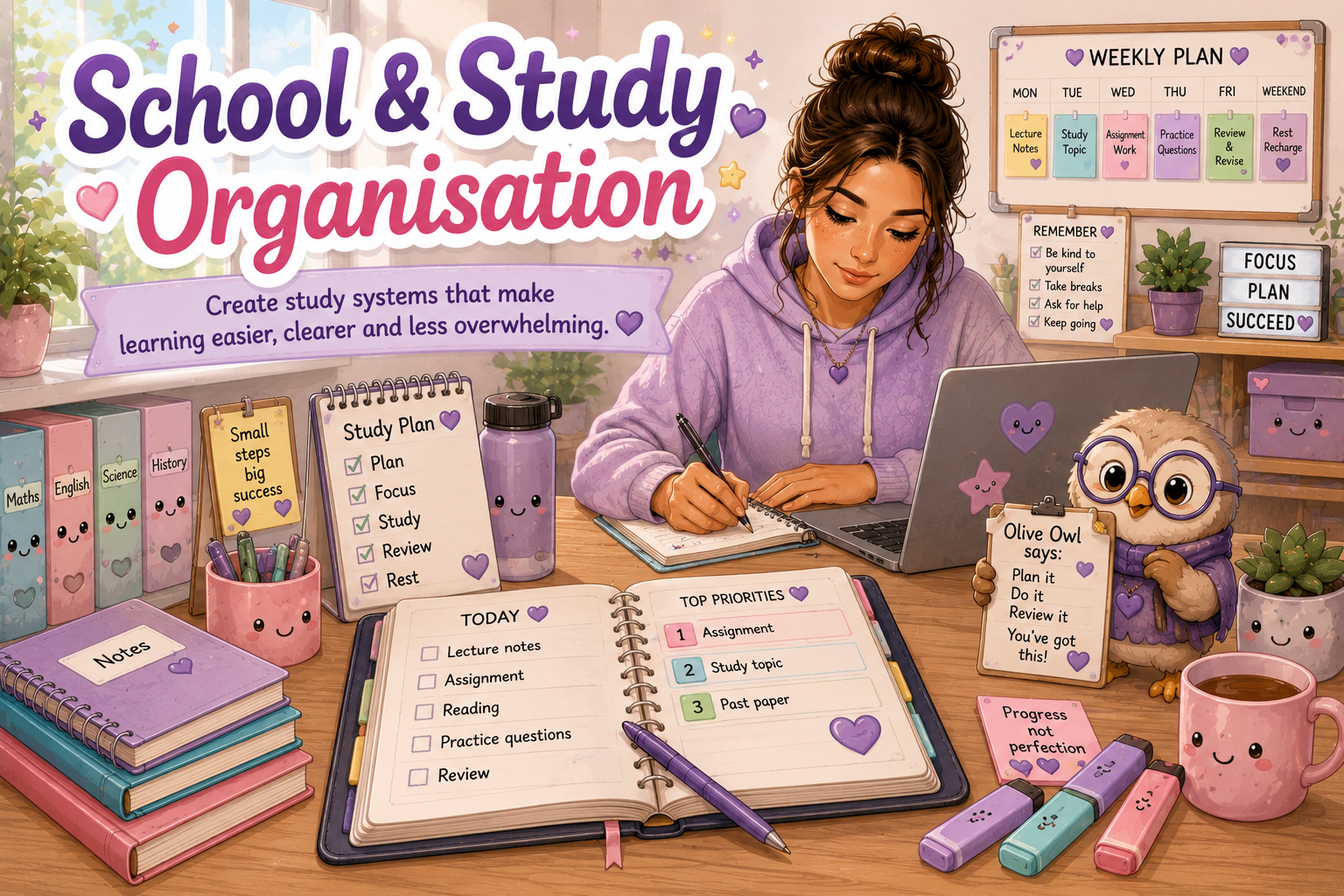
School & Study Organisation
Practical systems for organising classes, assignments, materials, deadlines and study routines without expecting perfection.
Choose the ideas that suit your brain, learning environment, energy and current responsibilities.
🌸 A Gentle Reminder
Organisation does not need to look perfect. A simple system you can return to is more valuable than an impressive system that becomes difficult to maintain.
🦉 Olive Owl’s Study Tip
Start with one calendar, one place for current work and one clearly written next step. You can build the rest of your system gradually.
Search School & Study Supports
Search the page or choose a topic below.
A Simple Five-Step Study System
Use this as a starting point when school or study tasks feel scattered.
Capture
Record the task or deadline immediately.
Clarify
Work out exactly what “finished” means.
Break Down
Divide the work into smaller actions.
Schedule
Choose when each action will happen.
Review
Check progress and adjust the plan.
Organising Study Materials
Give important materials simple, predictable places so they are easier to find and put away.
One Home Per Subject
Keep each subject’s notes, worksheets and handouts in one folder, binder or digital location.
Simple Colour Coding
Assign one colour to a subject where colour makes materials easier to recognise.
Clear Labels
Use short, easy-to-read labels on folders, drawers, notebooks and storage areas.
Temporary Inbox
Keep loose papers in one temporary tray until you have time to sort or act on them.
Bag Reset
Remove rubbish, file returned work and replace missing supplies once a week.
Supply Station
Store pens, chargers, paper and other regular supplies together.
Tracking Deadlines and Important Dates
Make dates visible before they become urgent.
Use One Master Calendar
Record assignments, exams, presentations, appointments and school events in one main calendar.
Add Early Reminders
Set reminders before the deadline rather than only on the day something is due.
Create Mini-Deadlines
Add separate dates for planning, research, drafting, editing and submitting.
Keep Dates Visible
Place your calendar somewhere you naturally check rather than somewhere hidden away.
Mark Priority Levels
Identify which deadlines are urgent, important or safe to schedule later.
Review Weekly
Choose one regular time to check everything due in the next one or two weeks.
Choosing a Planner System
The best planner is one you can find, understand and check regularly.
| Planner Type | May Help With | Keep in Mind |
|---|---|---|
| Paper Planner | Seeing a full week and writing plans by hand. | Keep it in one predictable place. |
| Digital Calendar | Reminders, recurring events and device access. | Avoid creating more alerts than you can process. |
| Wall Planner | Seeing major dates and shared household schedules. | Place it somewhere naturally visible. |
| Task App | Breaking work into steps and recording progress. | Try not to spread tasks across too many apps. |
| Combination System | Using a calendar for dates and a list for actions. | Give each tool one clearly defined job. |
Creating a Supportive Study Space
Your study space should support concentration, comfort and sensory needs.
Reduce Visual Clutter
Keep only what you need for the current task within reach.
Prepare Sensory Supports
Consider headphones, softer lighting, fidgets or supportive seating.
Keep Supplies Nearby
Store chargers, pens, paper and water where you can reach them.
Create a Start Signal
Use a lamp, timer, playlist or drink as a cue that study time is beginning.
Reduce Distractions
Silence unnecessary notifications and remove unrelated items.
Plan for Breaks
Keep a separate resting area where possible so breaks feel different.
Digital Organisation
A small number of consistently named folders can make digital work easier to locate.
Create Subject Folders
Use one clearly named digital folder for each subject or class.
Name Files Consistently
Include the subject, task, version and date where helpful.
Back Up Important Work
Save copies to cloud storage, an external drive or another secure location.
Use Clear Folder Levels
Avoid burying work inside too many subfolders.
Bookmark Useful Pages
Save regular learning platforms and research sites in organised bookmarks.
Complete a Digital Reset
Close unused tabs and file downloaded documents at the end of the week.
Example File Name
Biology_Assignment_2_Draft_2026-07-18
Assignment Planning Pathway
Large assignments often become easier when they are separated into visible stages.
Understand
Identify the task, format, deadline and marking requirements.
Plan
Break the assignment into small actions and mini-deadlines.
Create
Research, draft and complete one section at a time.
Review & Submit
Check the requirements, attach the correct file and submit.
Weekly School & Study Reset
A short reset can help you prepare for the week without needing to reorganise everything.
When Organisation Feels Overwhelming
Reduce the task until there is one safe, manageable place to begin.
Choose One Category
Start with papers, deadlines, supplies or digital files—not everything.
Use a Temporary Basket
Collect unsorted materials in one place until you can return to them.
Use Body Doubling
Ask someone to sit nearby or work quietly alongside you.
Set a Short Timer
Organise for five or ten minutes and then reassess your energy.
Write the Next Step
Leave one clear instruction for the next time you return.
Stop Before Exhaustion
A short successful reset is more sustainable than a complete overhaul.
Meet the Study Support Team
Different companions can help with different parts of school and study organisation. Their full character pages can be added through the future Companion Hub.
Olive Owl
Helps with learning strategies, study confidence and finding an approach that suits you.
Buzzy Brain
Helps with memory, executive function, task steps and keeping track of important information.
Busy Bee
Helps with planners, routines, getting started and celebrating small wins.
School & Study Organisation Resources
These printable ideas can later be developed and linked through the Work & Study Resources & Downloads page.
📅 Weekly Study Planner
Plan classes, study blocks, deadlines, appointments and rest.
Banked Resource📝 Assignment Breakdown Sheet
Turn one large assignment into smaller visible actions.
Banked Resource📚 Subject Organisation Checklist
Organise notes, equipment, digital files and current work.
Banked Resource🗓️ Deadline Tracker
Record due dates, early reminders and current progress.
Banked Resource🔄 Weekly Study Reset
Prepare materials, review dates and choose next priorities.
Banked Resource💻 Digital File Planner
Create folder names, file rules and a regular backup routine.
Banked ResourceFuture School & Study Collections
The printable resources above can eventually be developed in different formats while the core information remains clear and useful.
📘 Classic Edition
Clean, practical layouts suitable for students, adults and support settings.
🤝 Companion Edition
Matching resources with Olive Owl, Buzzy Brain, Busy Bee or another relevant companion.
🌸 Kawaii or Mixed Edition
Future friendly visual versions featuring kawaii details, companions or semi-realistic people.
Explore More Work & Study Support
Continue through the Work & Study section using the related pages below.
Remember
School and study organisation is not about creating a flawless system. It is about reducing what you need to remember, making important information easier to find and helping your future self understand what to do next.