Scattered Tasks
Tasks may arrive through email, messages, meetings, notes and verbal requests.

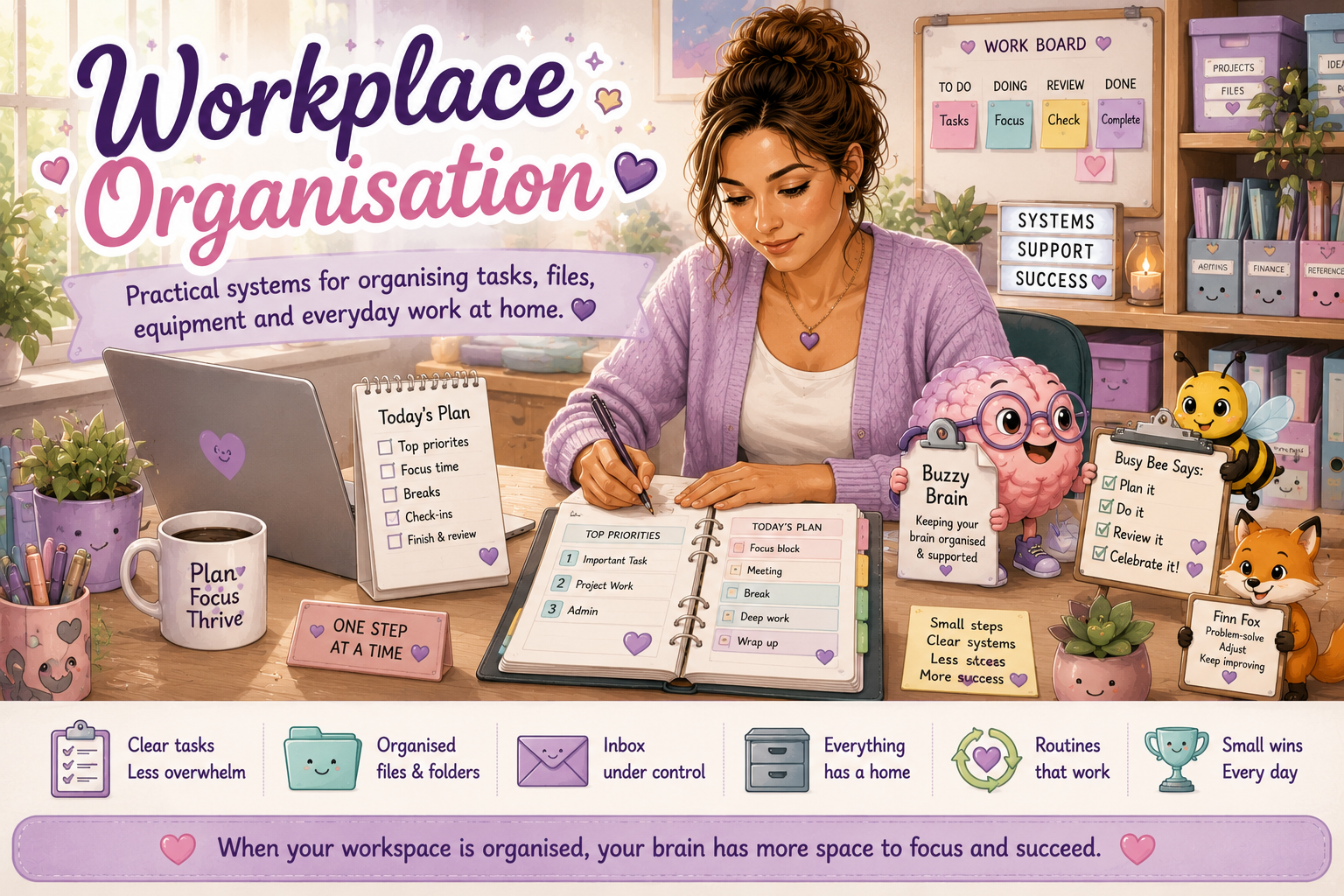
Workplace organisation can include managing tasks, files, emails, documents, equipment and the physical space where you work. A useful system reduces the amount of information your brain must remember alone.
This page offers practical, neurodivergent-friendly strategies for creating systems that are visible, understandable and realistic to maintain.
A workplace organisation system is successful when it helps you find information, remember tasks and complete your work. It does not need to look like someone else's system or stay perfect every day.
Search for organisation, executive function, productivity, workplace routines or home-working support.
Organisation involves many executive function skills at the same time, including memory, decision-making, planning, attention and maintenance.
Tasks may arrive through email, messages, meetings, notes and verbal requests.
Files and information can become difficult to locate when stored in many systems.
Deciding where something belongs can create extra mental effort.
Important tasks may be forgotten when reminders are not visible.
A system may work initially but become difficult to keep updated.
Large amounts of clutter or information can make it difficult to know where to begin.
You may still receive tasks in different places, but aim to move them into one main system that you regularly review.
Record new tasks before they disappear from memory.
Identify the action, deadline and expected outcome.
Place tasks under clear projects, dates or categories.
Check the system daily or at another reliable time.
Mark finished work and record any follow-up actions.
A practical workspace makes frequently used tools easy to access and reduces unnecessary visual or physical clutter.
Place frequently used equipment within easy reach.
Use labelled drawers, trays, folders or containers for important items.
Choose one place for new papers, mail or items that need action.
Separate completed work from items still requiring attention.
Keep current priorities visible without covering every surface.
Leave some clear space to reduce visual overload and support focus.
A simple folder structure and consistent file names can make information easier to find later.
Start with clear categories such as Projects, Finance, Admin or Resources.
Include useful details such as topic, project, date or version.
Move important files out of Downloads and delete what is no longer needed.
The aim does not need to be an empty inbox. A useful system helps you identify what needs attention and find important messages later.
Use stars, flags or labels for messages that require action.
Do not rely on keeping an email unread as your only reminder.
Create a small number of labels that you can recognise and maintain.
Clear subject lines and sender names can make messages easier to locate.
Delete or archive newsletters and notifications you no longer need.
Planned check-in times may reduce constant interruption.
Paper systems can stay simple. Focus on what needs action, what must be kept and what can be removed.
Knowing what equipment you have and where it belongs can reduce delays and unnecessary replacement purchases.
Label important cables and keep spare chargers in a consistent location.
Keep frequently used stationery together and easy to reach.
Store less frequently used items separately from daily tools.
Record purchase dates, warranty information and important serial numbers.
Add updates, cleaning and maintenance tasks to your calendar.
Protect confidential information and expensive equipment appropriately.
Short resets can be more sustainable than waiting until the workspace or task system becomes overwhelming.
Mark finished work and move it out of the active view.
Capture unfinished work, questions and next actions.
Return key items and remove obvious rubbish or clutter.
Check tomorrow's priorities, appointments and required materials.
Buzzy Brain leads this page, with Busy Bee and Finn Fox supporting routines, progress and problem-solving.
Buzzy Brain supports memory, visible systems, task organisation and reducing the mental load of holding everything internally.
Busy Bee encourages small routines, regular reviews, manageable resets and celebrating organisation wins.
Finn helps you identify why a system is not working and experiment with a more practical alternative.
These planned resources will support the future Organisation at Home collection.
Identify current systems, challenges, strengths and helpful supports.
Review comfort, storage, equipment, sensory needs and accessibility.
Choose where tasks will be captured, organised, reviewed and completed.
Map folders, categories and consistent file-naming rules.
Create simple names that make digital information easier to locate.
Plan labels, task capture, review times and message follow-up.
Record equipment, storage locations, warranties and maintenance needs.
Close tasks, return equipment and prepare the space for next time.
Review tasks, files, paperwork, projects and upcoming priorities.
Record where essential work documents and records are stored.
This collection is planned as Volume 2 of the wider Working From Home Collection. It may include task systems, desk organisation, digital files, email, equipment records, paperwork tools and reset routines.
Clear, practical organisation planners, checklists and templates.
Guided resources featuring Buzzy Brain, Busy Bee and Finn Fox.
Friendly illustrated folders, task tools, checklists and reset supports.
Workplace organisation connects with study systems, productivity and daily routines.
Organisation is not about creating more rules for yourself. It is about making tasks, information and equipment easier to see, find and use. Begin with one area that creates the most difficulty and make one practical change at a time.