
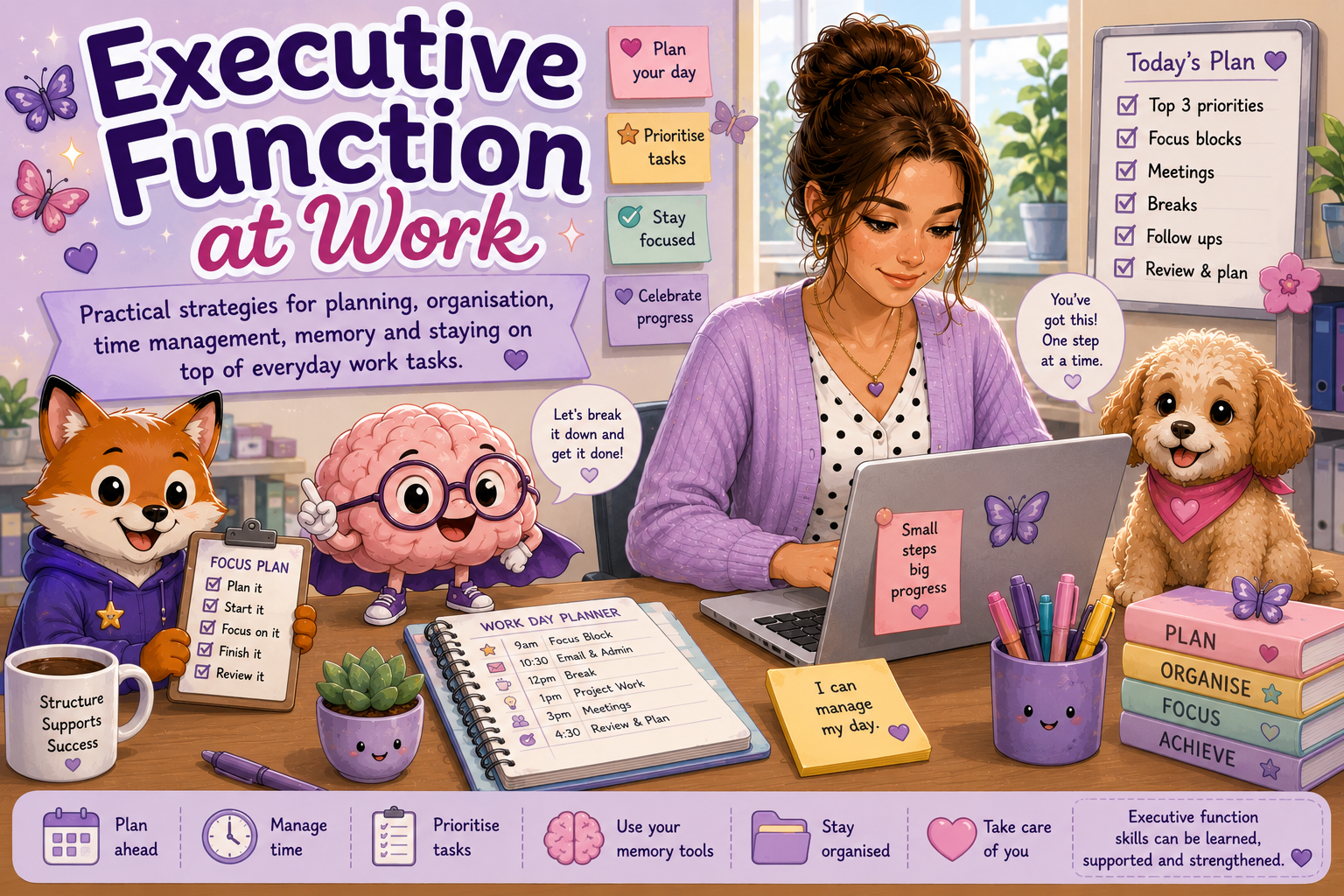
Executive Function at Work
Executive function skills help us plan, begin, organise, remember, prioritise and complete everyday work tasks. These skills may work differently for autistic, ADHD and other neurodivergent people.
This page shares practical strategies for taking some of that pressure out of your head and building workplace systems that support your brain.
🌸 Executive function challenges are not laziness
Difficulty beginning, remembering, switching or organising tasks does not mean you do not care about your work. External tools, written systems, reminders and workplace support can reduce barriers and help make your skills easier to use.
🔎 Search Aspie Answers
Search for executive function, workplace, planning, memory or wellbeing support.
🧠 What Executive Function Can Include
Executive function is not one single skill. Several processes work together throughout a workday.
Starting Tasks
Moving from knowing that something needs doing to taking the first action.
Planning
Working out the steps, resources, time and information needed.
Prioritising
Deciding what matters first when several tasks compete for attention.
Working Memory
Holding information in mind long enough to use it or complete a task.
Task Switching
Stopping one activity and shifting attention to another responsibility.
Completing & Reviewing
Recognising when a task is finished, checking the work and closing it out.
📅 A Simple Workday Planning Process
Your daily plan does not need to hold every possible task. It should help you see what matters now and what comes next.
Collect
Gather tasks, messages, meetings and unfinished work.
Clarify
Check what each task involves and when it is needed.
Prioritise
Choose the most important or time-sensitive actions.
Schedule
Place tasks into realistic work blocks with breaks.
Review
Check progress and adjust the plan when things change.
⏰ Making Time Easier to See
Time may be difficult to sense internally. External tools can help make the workday more visible.
Use a Visible Timer
A countdown or visual timer can make the passing of time easier to notice.
Set Transition Reminders
Use an early warning before meetings, breaks or task changes.
Use Focus Blocks
Work on one defined task for a realistic period instead of planning one enormous session.
Record Real Task Times
Notice how long common tasks actually take to improve future estimates.
Plan Breaks
Schedule recovery before exhaustion rather than waiting for crisis point.
Leave Flexibility
Workdays change. A useful plan allows room for delays and unexpected tasks.
⭐ Choosing Your Priorities
When everything feels important, try sorting tasks into three simple groups.
🔴 Needs Attention Now
Urgent deadlines, safety issues, customer needs or tasks blocking other people.
🟡 Important Next
Meaningful work that is not immediately urgent but should not be forgotten.
🟢 Can Wait or Be Reviewed
Lower-priority tasks, optional improvements or work that may be rescheduled.
🧠 Working Memory Support
External memory tools can reduce the pressure of holding multiple instructions and responsibilities in your head.
📝 Write Instructions Down
Record important steps, details and deadlines while they are available.
✅ Use Checklists
Make routine tasks visible so you do not need to remember every stage.
📅 Use One Main Calendar
Keep meetings, deadlines and important dates together where possible.
📌 Keep a Capture Place
Use one notebook, app or task list for new requests and ideas.
🔁 Repeat Information Back
Check understanding by briefly summarising instructions or decisions.
📧 Request Written Follow-Up
Written confirmation can help when instructions are complex or important.
📂 Building an Organisation System
The best organisation system is one you can understand, notice and return to regularly.
One Place for New Tasks
Reduce scattered notes by recording new requests in one trusted place.
Clear Folder Names
Use simple labels that explain what belongs inside each folder.
Visual Categories
Colours, icons or labels may make information easier to identify quickly.
Small Regular Resets
A short end-of-day or weekly reset can prevent clutter from building.
Reusable Templates
Templates can reduce decision-making for recurring tasks and messages.
Make Information Findable
Choose systems based on how you naturally search for information.
🎯 Managing Distractions & Focus
Focus is affected by the environment, task interest, energy, interruptions and sensory needs.
Things That May Interrupt Focus
- Notifications and incoming messages.
- Noise, movement or uncomfortable lighting.
- Unclear tasks or uncertainty about where to start.
- Frequent interruptions and unexpected changes.
- Trying to hold too many tasks in mind.
- Fatigue, hunger, stress or sensory overload.
Strategies That May Help
- Silence non-essential notifications temporarily.
- Choose one clear task for the current focus block.
- Use headphones or another sensory support if appropriate.
- Write distracting thoughts onto a “later” list.
- Use a timer and planned stopping point.
- Take a regulation or movement break before focus collapses.
🤝 Helpful Workplace Supports
Practical supports can reduce executive function load and make expectations easier to manage.
Written Instructions
Clear written steps can support memory and reduce uncertainty.
Clear Priorities
Knowing what matters first can reduce decision overload.
Advance Notice
Notice of meetings, changes and deadlines can make planning easier.
Regular Check-Ins
Brief check-ins can clarify expectations before problems become urgent.
Task Breakdown
Large projects may be easier when broken into visible stages.
Focus Environment
Sensory and distraction supports may help make concentration more sustainable.
🐾 Executive Function at Work Companions
This is one of Buzzy Brain's strongest home areas, with Busy Bee and Finn Fox helping with planning, progress and problem-solving.
Buzzy Brain
Buzzy Brain is the lead companion for executive function, helping explain task initiation, memory, focus, time and switching.
Busy Bee
Busy Bee supports planning, manageable priorities, routines and celebrating progress one step at a time.
Finn Fox
Finn supports workplace problem-solving and finding another practical approach when a system is not working.
📄 Executive Function at Work Resources
These practical resources are planned for the Executive Function at Work Collection and can be linked here as each one is completed.
📅 Daily Work Planner
Record priorities, meetings, focus blocks, breaks and follow-up tasks.
Planned resource⭐ Workplace Prioritisation Sheet
Sort tasks by urgency, importance and realistic next actions.
Planned resource🧩 Work Task Breakdown Planner
Turn a large workplace task into smaller, visible stages.
Planned resource⏰ Workplace Time Tracker
Notice real task times and improve future planning estimates.
Planned resource🔄 Task Switching Support Sheet
Prepare to pause, record progress and transition between tasks.
Planned resource🧹 End-of-Day Reset Checklist
Close tasks, record follow-ups and prepare gently for the next workday.
Planned resource🧠 Future Executive Function at Work Collection
This collection is planned as part of the wider Neurodivergent Work & Employment Collection. It may bring together daily planners, priority tools, focus supports, memory systems, task breakdown sheets and workplace routine builders.
📘 Classic Edition
Clear, practical planners, checklists and executive function worksheets.
🐾 Companion Edition
Guided workplace tools featuring Buzzy Brain, Busy Bee and Finn Fox.
🌸 Kawaii Edition
Friendly illustrated planning, focus, memory and organisation supports.
🌱 Continue Exploring Work & Employment
Executive function connects with workplace skills, communication, relationships and wellbeing.
🌸 A gentle reminder
Executive function skills can be supported, strengthened and externalised. You are allowed to use planners, reminders, checklists, written information and workplace support. The aim is not to manage everything perfectly—it is to build systems that make work clearer and more sustainable for you.