
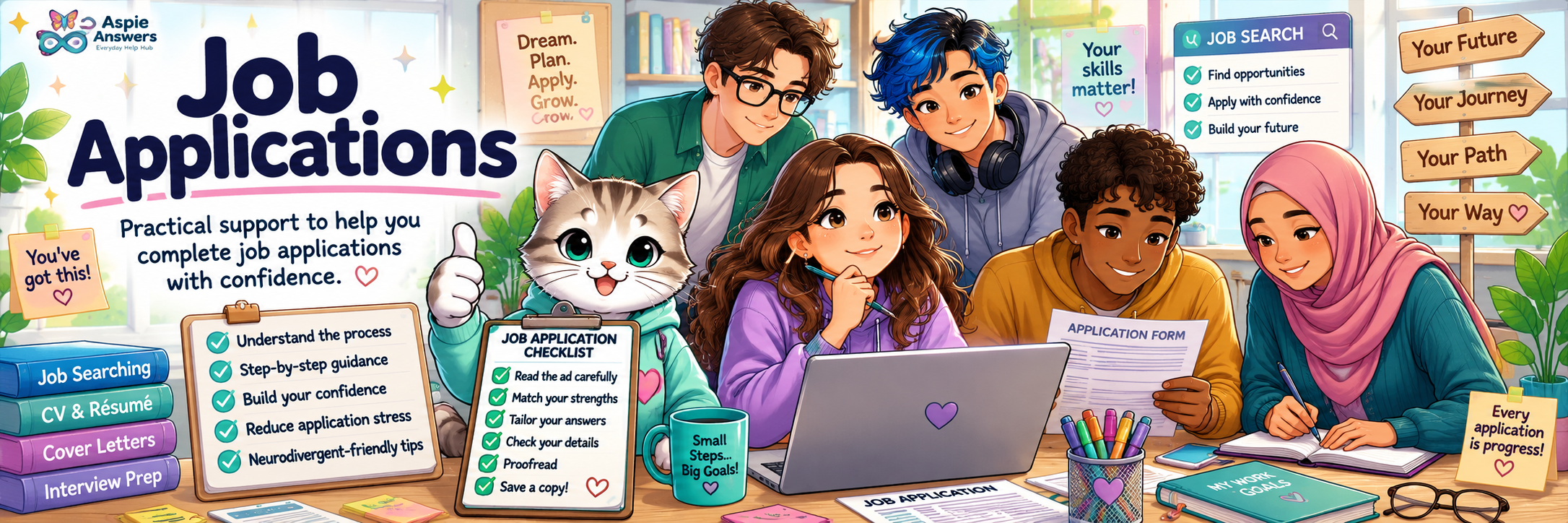
Job Applications
Applying for a job can involve forms, deadlines, documents, written questions and several separate steps. This guide breaks the process down so you can prepare, complete and review an application without having to hold everything in your head at once.
Try words such as STAR, deadline, attachments, online form, checklist, accessibility or feedback.
Showing all guide sections.
Depending on the employer, you may be asked to complete an online form, send a CV and cover letter, answer written questions, or provide other supporting documents.
Application Form
Contact details, work history, education, availability and other information.
Written Questions
Questions about your experience, strengths or how you handled particular situations.
Supporting Documents
Your CV, cover letter, certificates, portfolio or other documents requested by the employer.

A little preparation can reduce repeated searching, remembering and switching between tasks.
Read the Job Advertisement Carefully
Look for key responsibilities, required skills, working hours, location and closing date.
Review the Person Specification
Identify essential and preferred skills or requirements.
Research the Employer
Learn enough about the organisation’s work, values and services to tailor your application appropriately.
Gather Your Information
Have employment history, education, qualifications, referee details and contact information available.
Prepare Your Documents
Update your CV, prepare your cover letter and check for any additional documents the employer requested.
1. Check Instructions
Read everything first. Check the closing date, word limits and required file types.
2. Enter Personal Details
Add your contact information carefully and check it for accuracy.
3. Add Work History
Include relevant employment, volunteering, placements and other practical experience.
4. Add Education & Training
Include relevant qualifications, certificates, courses and workplace training.
5. Answer Supporting Questions
Use clear examples that show how your experience relates to the role.
6. Upload Documents
Attach your CV, cover letter and any other requested files.
7. Review Everything
Check spelling, dates, unanswered questions and uploaded files.
8. Submit & Save
Submit before the deadline and keep a copy, confirmation email or screenshot.

Your answers do not need to sound perfect. They need to answer the question, use relevant evidence and be easy to understand.
Start With the Question
Identify what the employer is actually asking and notice key words such as teamwork, organisation, communication or problem-solving.
Choose a Relevant Example
Examples can come from paid work, volunteering, education, caring responsibilities, community activities or personal projects.
Explain What You Did
Focus on your own actions, decisions and contribution.
Explain the Result
Describe what happened, what improved or what you learned.
Use the STAR Method When It Fits
Online systems may include multiple screens, time limits, file uploads or questions that do not save automatically.
Draft Longer Answers Elsewhere
Write in a document first, then copy the finished answer into the form.
Save Frequently
Use the save function whenever it is available and check whether you can return later.
Name Files Clearly
Use simple file names such as Firstname-Lastname-CV.pdf and Firstname-Lastname-Cover-Letter.pdf.
Check File Requirements
Confirm accepted formats and maximum file sizes before uploading.
Allow Extra Time
Avoid the final hour where possible so technical issues do not become deadline emergencies.
Keep Confirmation Details
Save confirmation emails, application reference numbers and useful screenshots.
Mistakes happen, especially when you are tired, anxious or completing several applications. A review can help catch them before submission.
Using the Same Application Every Time
Tailor key answers so they match the specific role and employer.
Leaving Questions Blank
Check each required section before submitting and use “not applicable” only where appropriate.
Giving Very General Answers
Use a clear example showing what you did and what happened.
Forgetting Attachments
Confirm that your CV, cover letter and other requested files are attached.
Missing the Deadline
Record the closing date and aim to submit earlier when possible.
Not Saving a Copy
Keep the submitted application so you can review it before an interview or reuse useful material later.

Applications can place heavy demands on executive functioning, working memory, concentration, language processing and emotional energy. Strategies that reduce those demands are legitimate supports.
Break It Into Smaller Tasks
Separate reading, gathering information, drafting, reviewing and submitting.
Use Short Work Sessions
Work for a manageable period, then take a break rather than forcing everything into one sitting.
Use a Checklist
Keep each step visible so you do not have to remember the whole process at once.
Reduce Distractions
Use a quieter space, silence unnecessary notifications and keep only the documents you need open.
Ask Someone to Review It
A trusted person may help check instructions, clarify a question or proofread the application.
Ask About Accessibility
Contact the employer if the application system is inaccessible or you need another way to apply.

Checklist Cat
You do not need to hold the entire application in your head. Write the steps down, complete one task at a time, check what is done and move forward from there.
This checklist is for guidance and does not save your selections.
Employers may receive many applications, and decisions can depend on experience, timing, internal candidates or specific requirements. One result does not tell you what every future employer will decide.
These tools fit this topic well and can live in the central Work & Employment resource system rather than appearing here as unfinished resources.