Less External Structure
Without travel, colleagues or workplace routines, it may be harder to recognise when to begin, pause, switch tasks or finish.

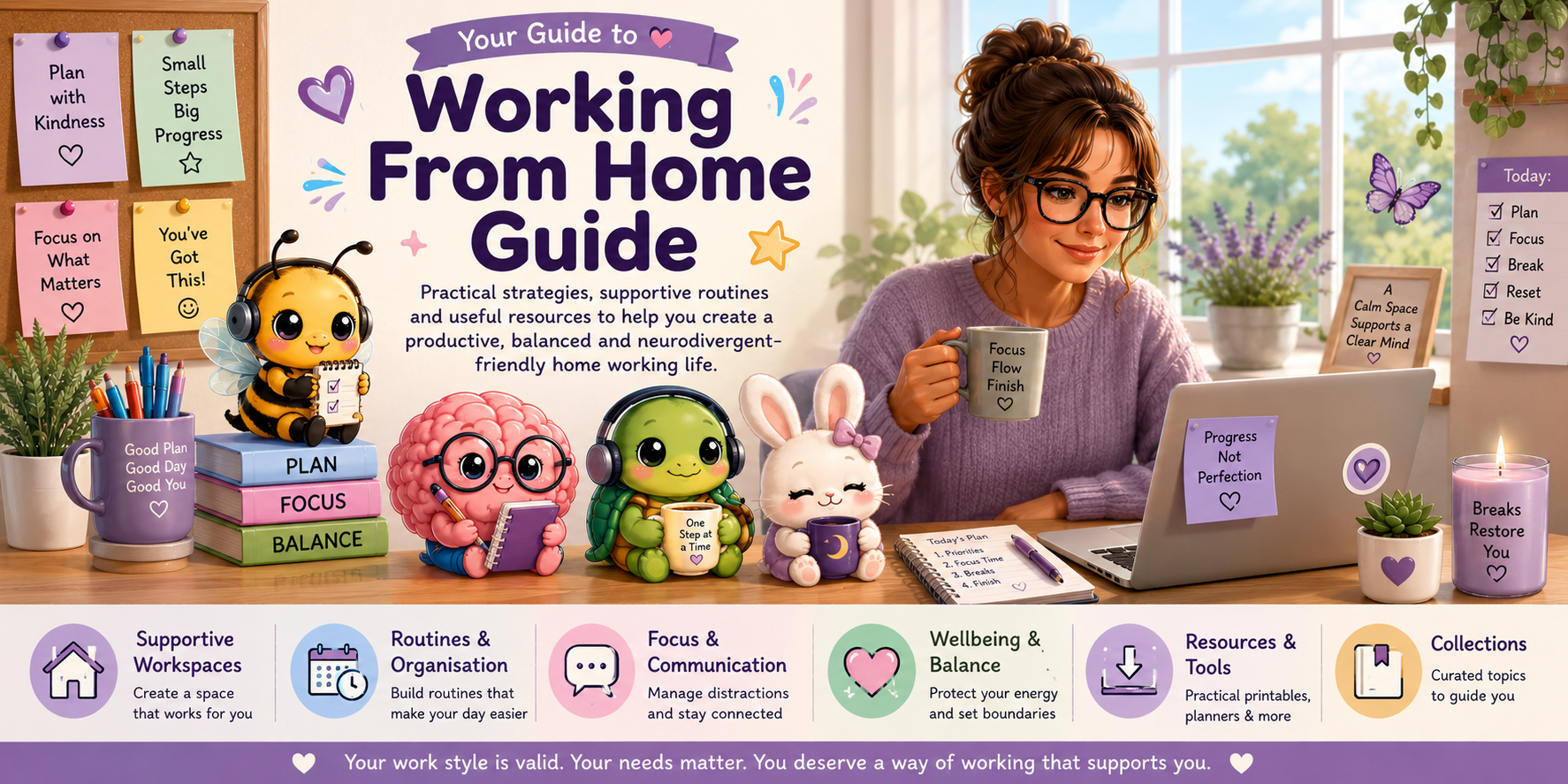
Working from home can provide flexibility, comfort and greater control over your environment. It can also make routines, focus, communication, boundaries and energy management more difficult.
This guide brings together practical, neurodivergent-friendly ideas to help you build a working-from-home approach that supports your needs. You do not need a perfect office, a rigid timetable or a highly complicated productivity system. The goal is to create a way of working that feels realistic, accessible and sustainable.
You may need visual reminders, flexible routines, movement, sensory supports, written communication or extra recovery time. These are valid ways of supporting yourself.
Home working can remove some workplace pressures while creating different challenges that are less visible.
Without travel, colleagues or workplace routines, it may be harder to recognise when to begin, pause, switch tasks or finish.
Household tasks, devices, noise, family members and visible clutter can compete for your attention.
Planning, remembering, prioritising and estimating time may rely more heavily on systems you must create yourself.
When work and home share the same space, your brain may struggle to recognise when the working day has ended.
You can work through the topics in order or begin with the area that is causing the greatest difficulty.
Think about whether the main difficulty involves your environment, routine, focus, communication, energy or boundaries.
Begin with a single page rather than trying to change your whole working day at once.
Test a realistic change such as moving a lamp, using a checklist or setting a clear finishing time.
Keep what helps, change what does not and revisit your systems when your needs or workload change.
Each topic provides practical guidance that you can adjust to suit your home, role, energy and support needs.
A supportive workspace does not need to look like a traditional office. It needs to help you access your work, feel physically comfortable and reduce unnecessary barriers.
Structure can reduce decision fatigue and help your brain recognise what is happening next.
Use a repeatable cue such as making a drink, reviewing your plan or opening the first task.
Keep a short list of today’s most important tasks rather than one overwhelming master list.
Add clear cues for beginning, pausing, switching tasks and ending the working day.
Focus is affected by your environment, task clarity, energy, emotions and the amount of information your brain is managing.
Working from home should not require you to ignore your physical, sensory or emotional needs.
Pause before exhaustion and choose activities that genuinely help your nervous system reset.
Use reminders for hydration, food, medication, movement and bathroom breaks when needed.
Match demanding tasks to stronger energy periods where possible and allow recovery after intense work.
A difficult day does not erase your effort, ability or previous progress.
Resetting is not wasting time. It can help you return to the task with greater clarity and less pressure.
These companions represent different forms of support throughout the Working From Home section.
Helps with planning, routines, task steps and making priorities easier to see.
Supports working memory, time awareness, focus and executive function.
Encourages pacing, energy awareness, meaningful breaks and sustainable progress.
Supports calm transitions, rest, finishing routines and switching off after work.
Explore printable tools and grouped resources to support planning, routines, focus, wellbeing and home-work organisation.
Home may not provide the external cues that normally signal the beginning of work. A repeated starting routine, visible first task or short timer can make initiation easier.
No. Some people benefit from precise times, while others work better with flexible blocks, task sequences or broad parts of the day. Choose the amount of structure that genuinely helps you.
Consider headphones, background sound, household agreements, quieter working periods or a portable setup. The goal is to reduce disruption where possible rather than create perfect silence.
Hyperfocus, time blindness and reduced awareness of physical cues can make breaks easy to miss. External reminders or pairing breaks with natural task transitions may help.
Ask for an agenda, prepare notes, reduce unnecessary visual input, use written chat when appropriate and leave recovery time after demanding meetings.
Systems often need to change as workloads, energy and circumstances change. Review the barrier, simplify the system and experiment with a different form of support.
Return to the Start Here page, choose a practical topic or explore the downloadable resources.