

Job Searching
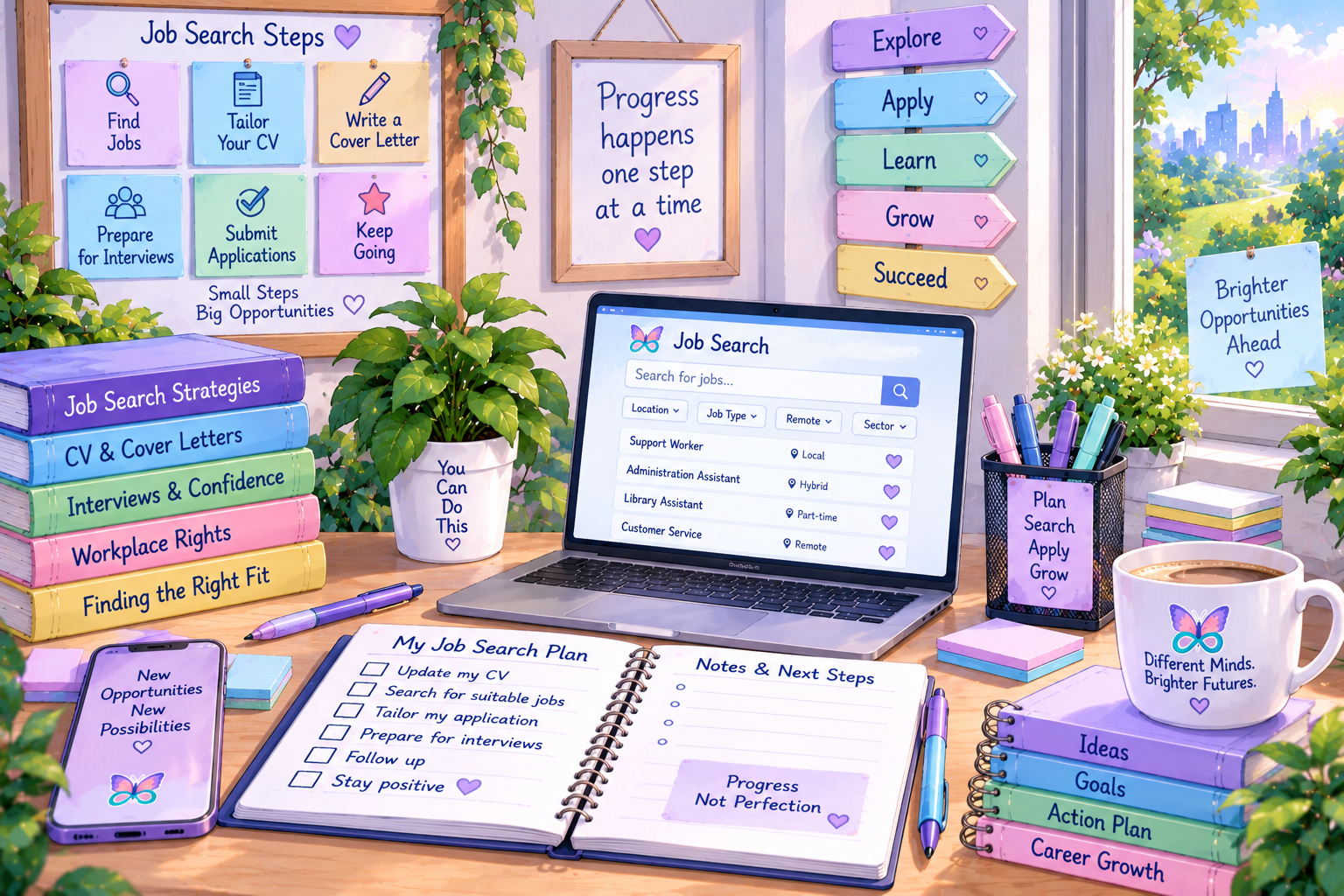
Job searching involves finding opportunities, deciding which roles may suit you and taking practical steps towards applying. A clear system can make the process easier to manage when there are lots of decisions, deadlines and uncertainties.
Try words such as filters, scams, networking, applications, energy or support.
Showing all guide sections.
A little preparation can make it easier to recognise suitable roles and avoid becoming overwhelmed by too many options.
Define What You Are Looking For
Decide which roles, industries, tasks and working arrangements you are willing to consider.
Consider Hours & Availability
Think about full-time, part-time, casual, seasonal, flexible, remote or hybrid work.
Choose a Realistic Search Area
Consider travel time, transport access, commuting costs and the energy required to reach the workplace.
Identify Support Needs
Consider adjustments, workplace structure, communication needs and what may help you succeed.
Prepare Basic Documents
Keep an updated CV, qualifications, references and general employment information ready.
Create a Tracking System
Use a notebook, spreadsheet or application tracker to record vacancies, deadlines and progress.

Different roles may be advertised in different places. Using a small number of suitable sources can give you a broad view without creating unnecessary overload.
Online Job Boards
Use filters for location, hours, industry, experience level and working arrangements.
Company Websites
Some organisations advertise vacancies directly on their careers or employment pages.
Recruitment Agencies
Agencies may connect applicants with temporary, permanent or specialist employment opportunities.
Employment Support Services
Disability employment providers, career advisers and community services may offer practical job-search support.
Professional Networks
Industry groups, professional associations and online networks may share vacancies and career information.
Local & Community Sources
Community groups, libraries and regional organisations may share nearby opportunities.
Helpful Filters
- Location or remote working
- Full-time or part-time hours
- Industry or occupation
- Experience level
- Salary range
- Contract or permanent work
- Date the vacancy was posted
Keep Some Flexibility
Very narrow settings may hide roles that could still be suitable.
Try changing one filter at a time and exploring related job titles or industries.
A job title alone may not tell you what the position actually involves. Read the full advertisement before deciding whether to apply.
Look for Key Information
- Main tasks and responsibilities
- Required and preferred skills
- Qualifications or licences
- Hours, location and work arrangements
- Application deadline and method
- Contact details for questions
Required Versus Preferred
Some advertisements describe an ideal candidate rather than an absolute minimum.
You may still be worth considering if you meet most essential requirements and can explain how your experience transfers.

Job searching can become exhausting when it takes over the whole day. A simple routine can protect energy while still keeping the search moving.
Choose Specific Search Days
Decide when you will look for vacancies rather than checking constantly.
Set a Realistic Time Limit
A focused twenty or thirty-minute search may be more manageable than several unstructured hours.
Save Suitable Vacancies
Bookmark or record promising roles before starting each application.
Prioritise Deadlines
Apply first for suitable vacancies with the earliest closing dates.
Track Each Application
Record the date applied, documents used, contact details and any follow-up required.
Schedule Recovery Time
Include breaks and non-employment activities so job searching does not consume all your energy.

Networking does not have to mean attending large events or making sales-style conversations.
Tell Trusted People
Let friends, whānau, support people or former colleagues know what kind of work you are looking for.
Reconnect With Previous Contacts
A short message to someone you have studied or worked with may lead to useful information.
Join Relevant Groups
Online communities, professional groups and local networks can help you learn about opportunities.
Ask for Information
You can ask someone about their role or industry without asking them directly for a job.
Choose Accessible Events
Smaller, structured or online events may better suit your communication and sensory needs.
Use Written Communication
Email or professional messaging may feel more manageable than calls or unplanned conversations.
Watch for possible job scams
Be cautious if a supposed employer asks for money, banking passwords, unusual personal information or payment for equipment before you have verified the organisation.
Check the company website, contact details and vacancy information. Avoid suspicious attachments or unfamiliar links.
Reduce Decision Overload
Choose a small number of trusted websites rather than searching every available platform.
Use Saved Searches
Create alerts for suitable keywords, locations and working arrangements so you do not have to repeat every search.
Keep Reusable Information
Store employment dates, qualifications, references and contact information in one accessible document.
Break Applications Into Stages
Separate reading, gathering information, writing, checking and submitting into smaller tasks.
Ask for Practical Support
A trusted person may help interpret advertisements, proofread applications or organise deadlines.
Protect Your Wellbeing
Plan rest after demanding applications and avoid measuring your worth by employer responses.
These Companions appear here because their official V2.0 roles genuinely support steady progress, practical motivation, problem-solving and choosing another strategy when a search needs a different approach.

Busy Bee
Busy Bee brings productivity, goals and motivation to job searching — helping turn a large process into smaller actions and encouraging steady progress.

Finn Fox
Finn brings problem solving and strategies — helping compare opportunities, work through obstacles and try another route when the first approach is not working.

Matching tools can live in the central Work & Employment resource system rather than being duplicated across topic pages.