
Page display options
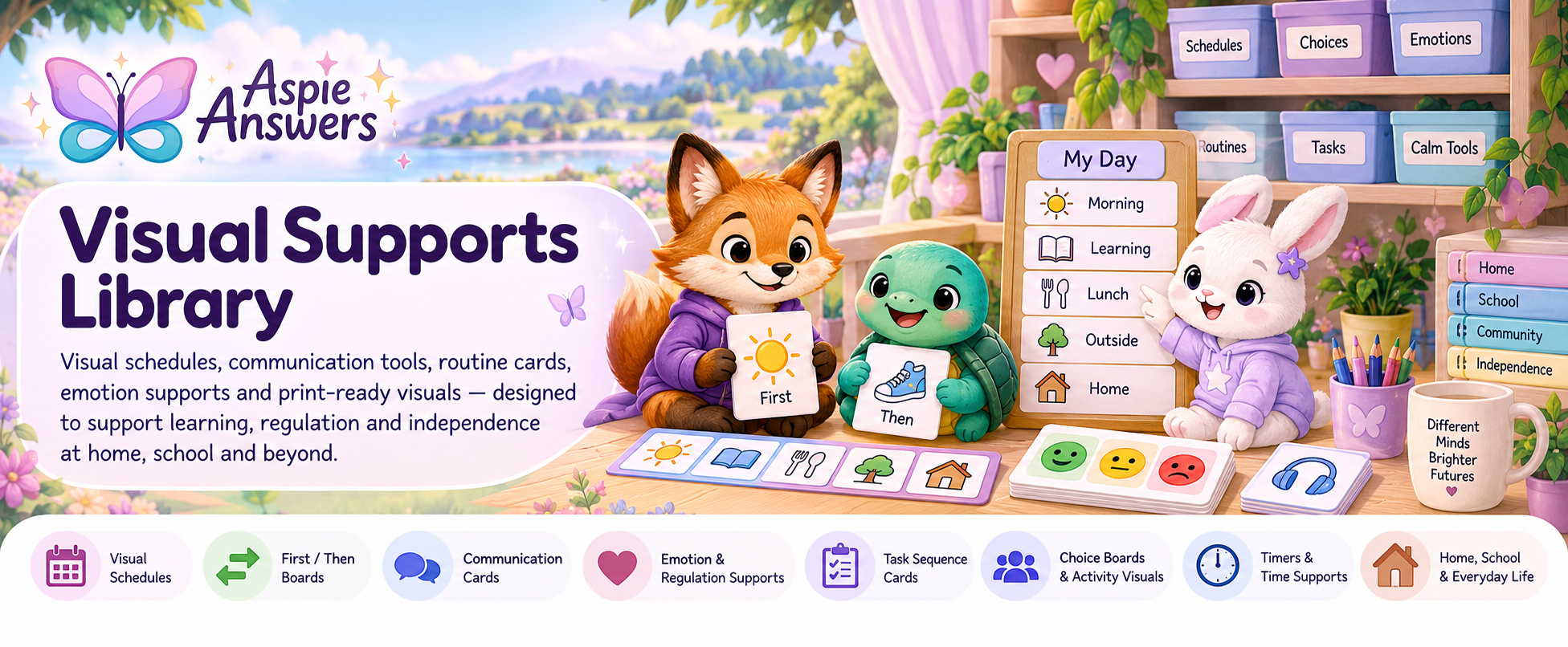
Visual Supports Library
A practical library of visual schedules, communication tools, routine cards, emotion and regulation supports, task sequences, choice boards, timers and everyday visual tools for home, school, community and independent living.
Use visuals to reduce effort, not add another task
Visual supports can turn spoken information into something a person can look at again. They can help with predictability, communication, sequencing, time, transitions, choices, emotional awareness, self-advocacy and everyday independence.
I need to show what happens next
Start with visual schedules, routine strips, First/Then boards or transition cards.
I need to make communication easier
Try request cards, choice boards, help cards, break cards and other visible communication options.
I need help with feelings or overload
Emotion visuals, regulation menus, sensory-break cards and calm prompts may make options easier to see.
I need help remembering the steps
Task-sequence cards, checklists, visual timers and progress supports can reduce working-memory demand.
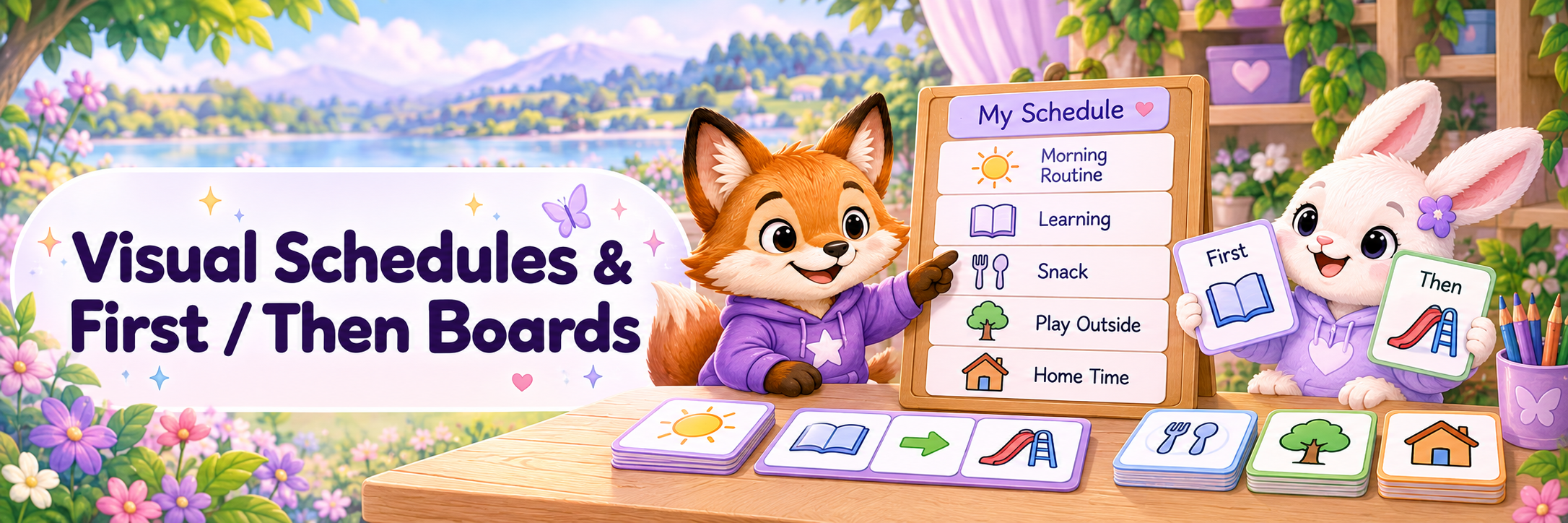
Make routines and transitions easier to see
Daily schedules
Show the overall shape of a day using pictures, words, objects or a combination.
Routine strips
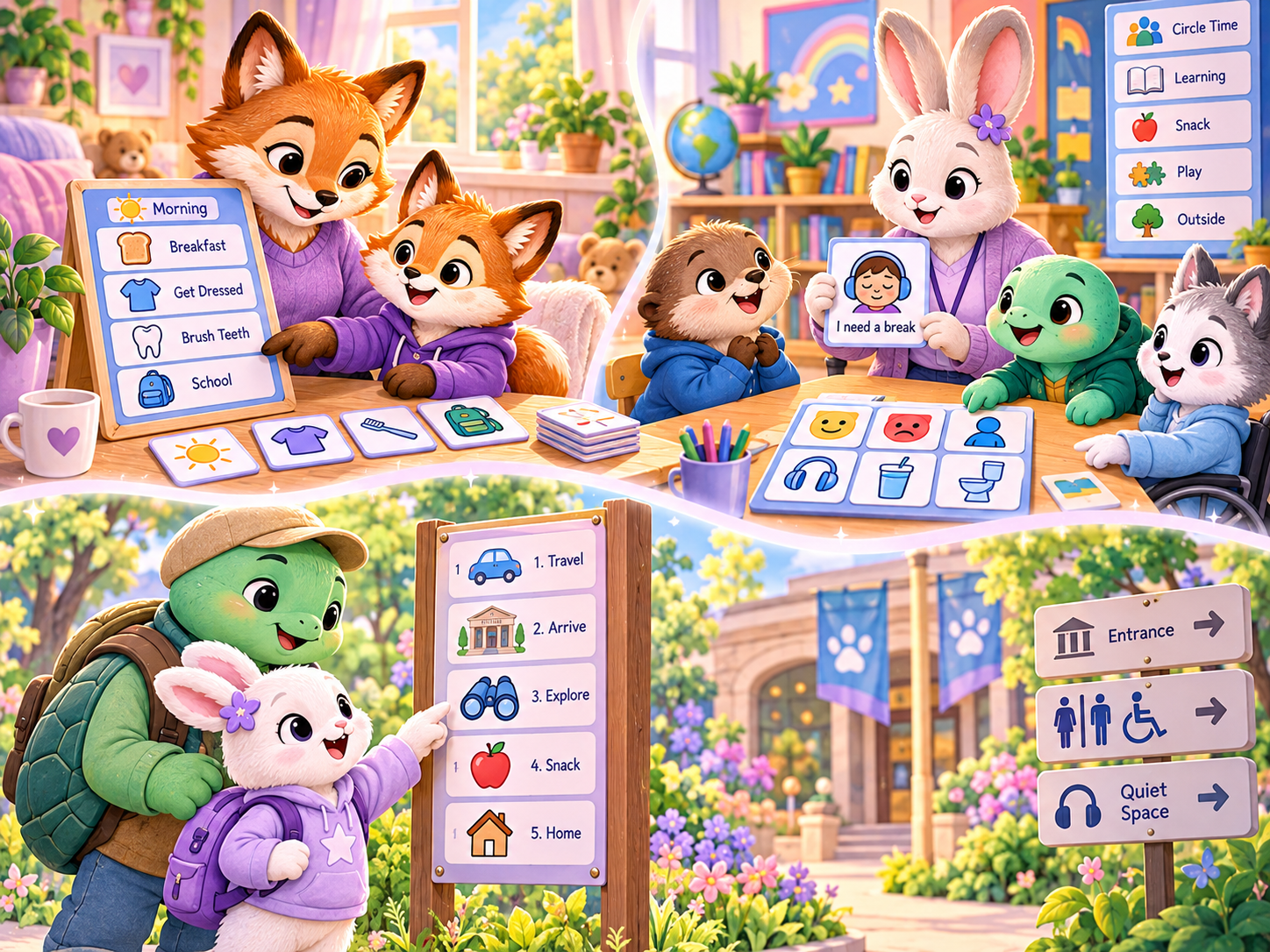
Display a short sequence such as getting ready, after-school recovery or bedtime.
First / Then boards
Show one immediate step followed by what happens next without presenting a long list.
Now / Next cards
Useful for people who need an even simpler two-step view.
Change cards
Make an unexpected change visible and show what remains the same.
Finished / All done
Use a clear visual endpoint so the person can see when a task or activity has ended.
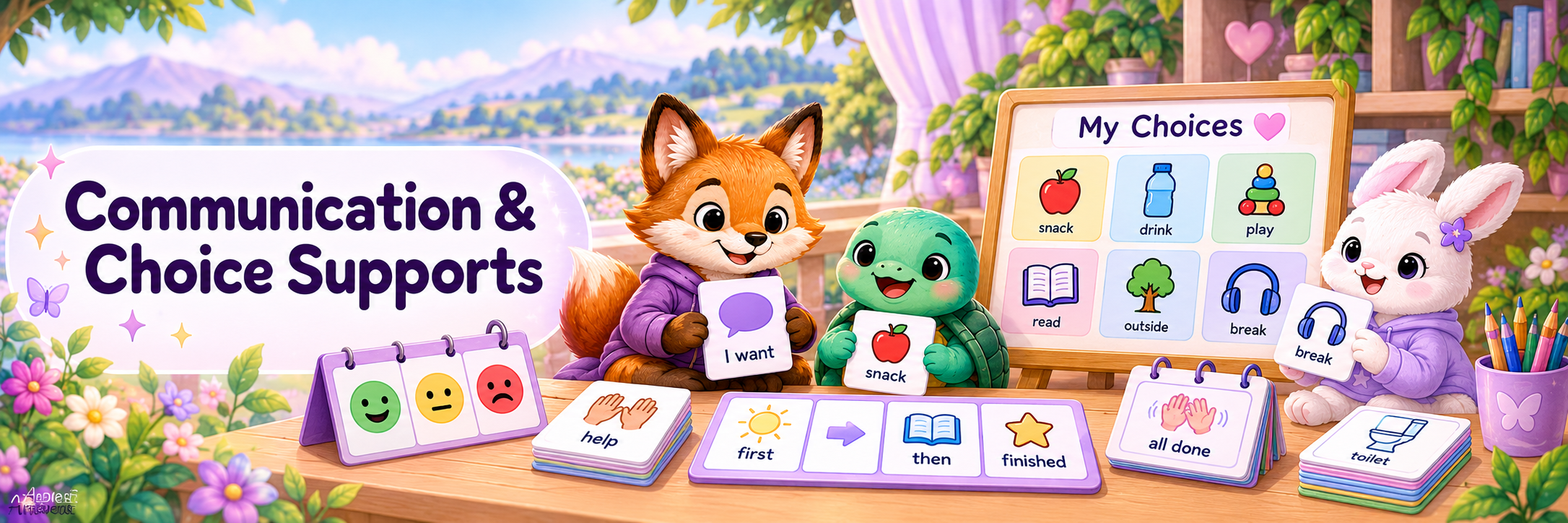
Give important messages a visible form
Visual communication supports can help when speech is difficult, processing is delayed, anxiety is high, choices are hard to hold in mind, or a person simply communicates more clearly with something they can point to or show.
Request cards
Examples include “I want…”, “help”, “more”, “finished”, “different” or a preferred item/activity.
Break cards
Make it easier to communicate “I need a break”, “quiet please” or “I need space”.
Choice boards
Show manageable options for activities, food, regulation tools, clothing, task order or leisure.
Yes / No / Not sure
Simple visible responses can reduce pressure where spoken answers are difficult.
Help and self-advocacy
Support messages such as “show me”, “too loud”, “more time”, “I don’t understand” or “please stop”.
Portable communication sets
Small rings, cards, phone images or wallet-sized visuals can travel between settings.
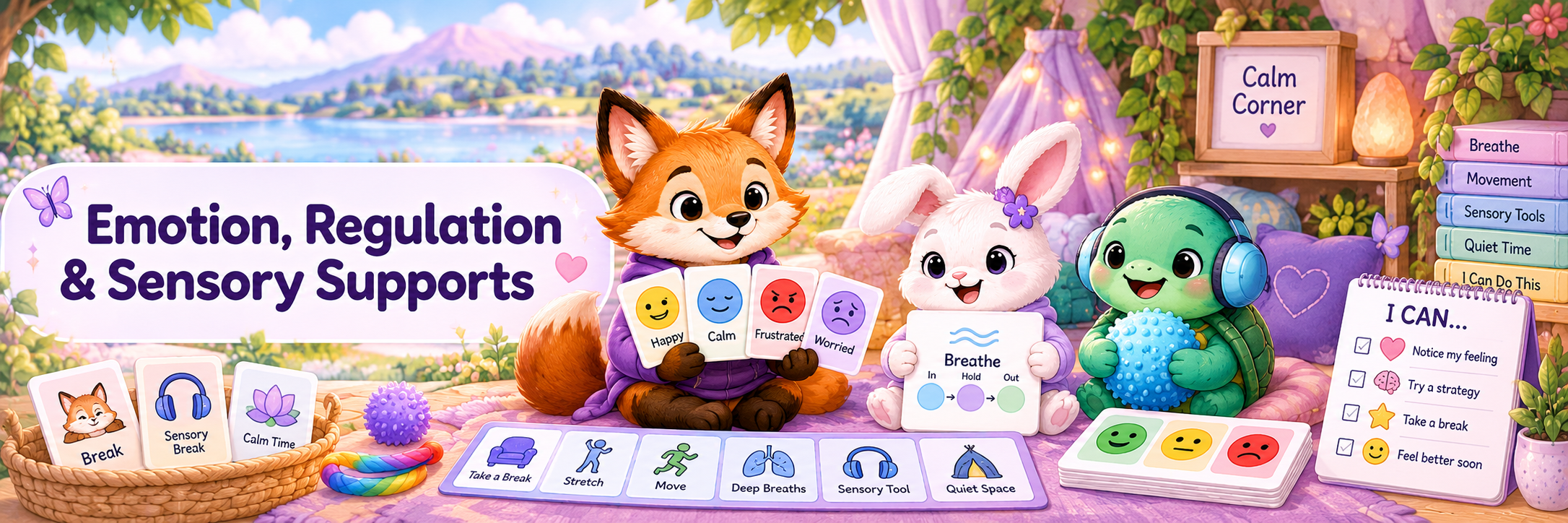
Make feelings, body signals and support options easier to identify
Feelings visuals
Use faces, words, scales or body cues to help identify emotions without demanding a perfect label.
Regulation menus
Show available options such as movement, headphones, quiet time, pressure, water, music or a sensory tool.
Break and quiet-space visuals
Make it easier to request or locate a lower-stimulation space.
Body-signal supports
Help connect experiences such as racing heart, tiredness, hunger, tension or overload with possible needs.
Calm prompts
Short visible reminders can support breathing, grounding, stretching or another strategy already known to the person.
Sensory preference visuals
Communicate things like “no touch”, “headphones”, “dim lights”, “movement break” or preferred sensory tools.
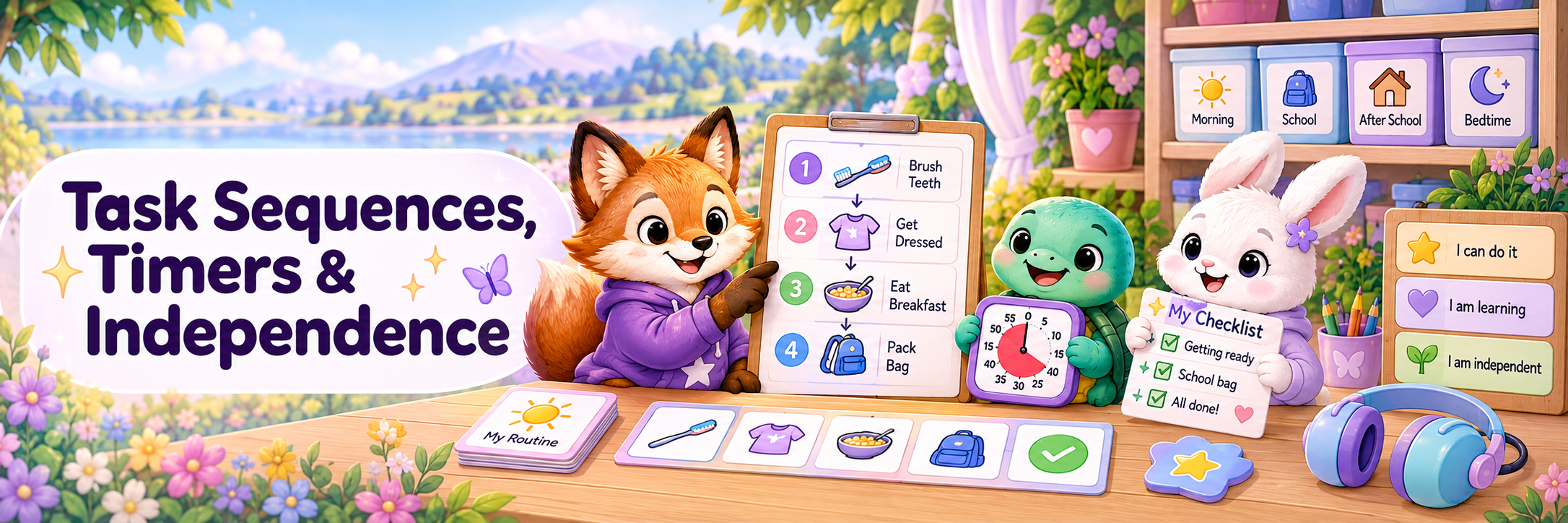
Externalise the steps, the time and the memory load
Task-sequence cards
Break hygiene, dressing, cooking, chores, packing or classroom tasks into visible steps.
Checklists
Useful for older children, teenagers and adults who prefer written or icon-based lists.
Visual timers
Make passing time more concrete and help prepare for transitions.
Countdowns
Show how many steps, minutes or turns remain before a change.
Preparation visuals
Help gather what is needed before school, appointments, travel, activities or work.
Progress visuals
Show completed steps without turning the support into a reward chart or behaviour score.
Use the same idea differently in different places
A visual support does not have to look identical everywhere. The useful information, portability and level of detail may change depending on the setting.
At home
Morning routines, meals, chores, hygiene, after-school decompression, bedtime, household choices and shared plans.
At school or study
Timetables, classroom routines, task steps, breaks, communication cards, assignment planning and transitions.
In the community
Appointments, shopping, public transport, events, waiting, travel plans, toilets, quiet spaces and getting home.
For growing independence
Life-admin checklists, work routines, medication prompts where appropriate, cooking steps, budgeting cues and personal schedules.
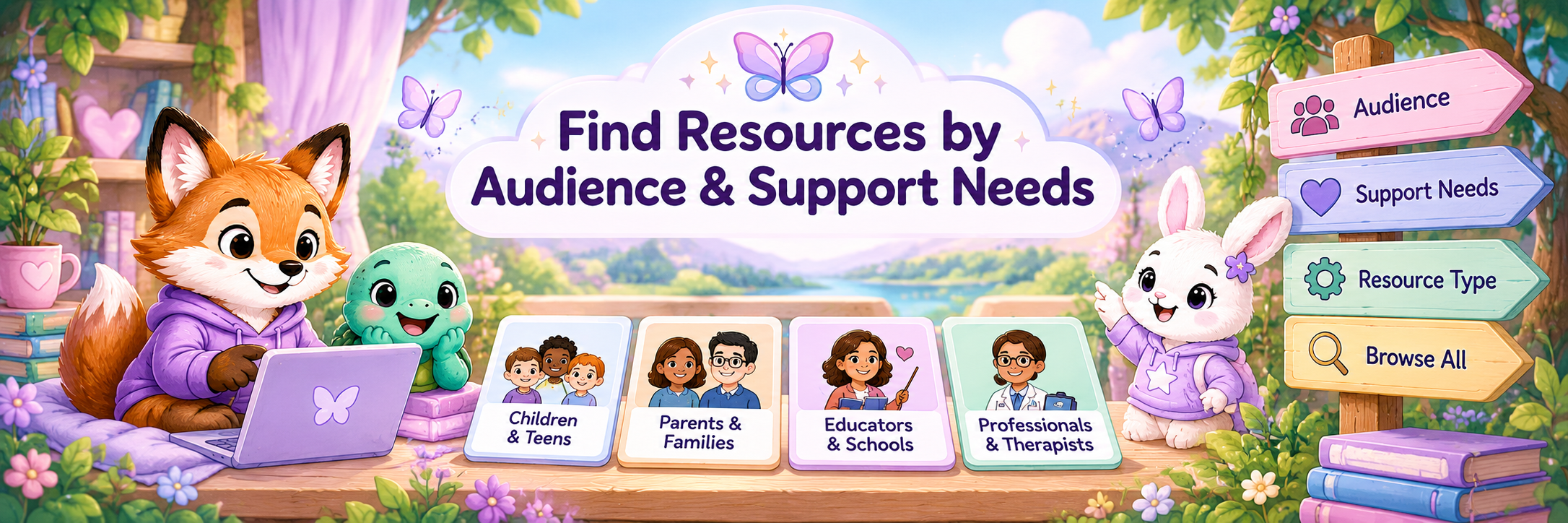
Start with who is using the support and what needs to become easier
For yourself
Use visuals for planning, remembering, communication, regulation, appointments, routines and everyday independence.
For a child or young person
Choose age-respectful visuals that match their communication, reading level, interests and actual support needs.
For parents, carers & whānau
Use shared visuals to reduce repeated prompting and make routines or changes clearer for everyone.
For educators
Use classroom visuals as accessibility supports, not only as behaviour-management tools.
For support workers
Keep visual supports consistent with the person’s preferences and communication system across settings.
For professionals
Use accessible visual information to explain appointments, choices, assessments, procedures and next steps.
Keep the support simple, visible and personal
- Start with one specific situation rather than making a visual system for everything at once.
- Use words, pictures, icons, photos, objects or digital tools according to the person’s preferences.
- Keep the number of steps or choices manageable.
- Place the support where it is actually needed.
- Teach and practise the support during calmer moments where possible.
- Update visuals when routines, needs, interests or life stages change.
- Keep age-respectful supports available for teenagers and adults who benefit from them.
- Do not remove a useful support simply because someone “should know it by now”.
- Ask the person whether the visual is actually helping.
Continue with the part of Aspie Answers that matches your next need
Resources & Downloads
Browse the wider collection of worksheets, planners, guides and printable resources.
Everyday Help
Find practical support for routines, planning, organisation, reminders and daily life.
Parents, Family & Whānau
For family support, home life, relationships and helping children and young people grow.
Learning Differences & Learning Disabilities
For broader learning-difference information and support pathways.
Support & Directories
Find professional, community and practical support when resources alone are not enough.
Health & Body
For healthcare, assessment, allied-health and accessible health-information pathways.