
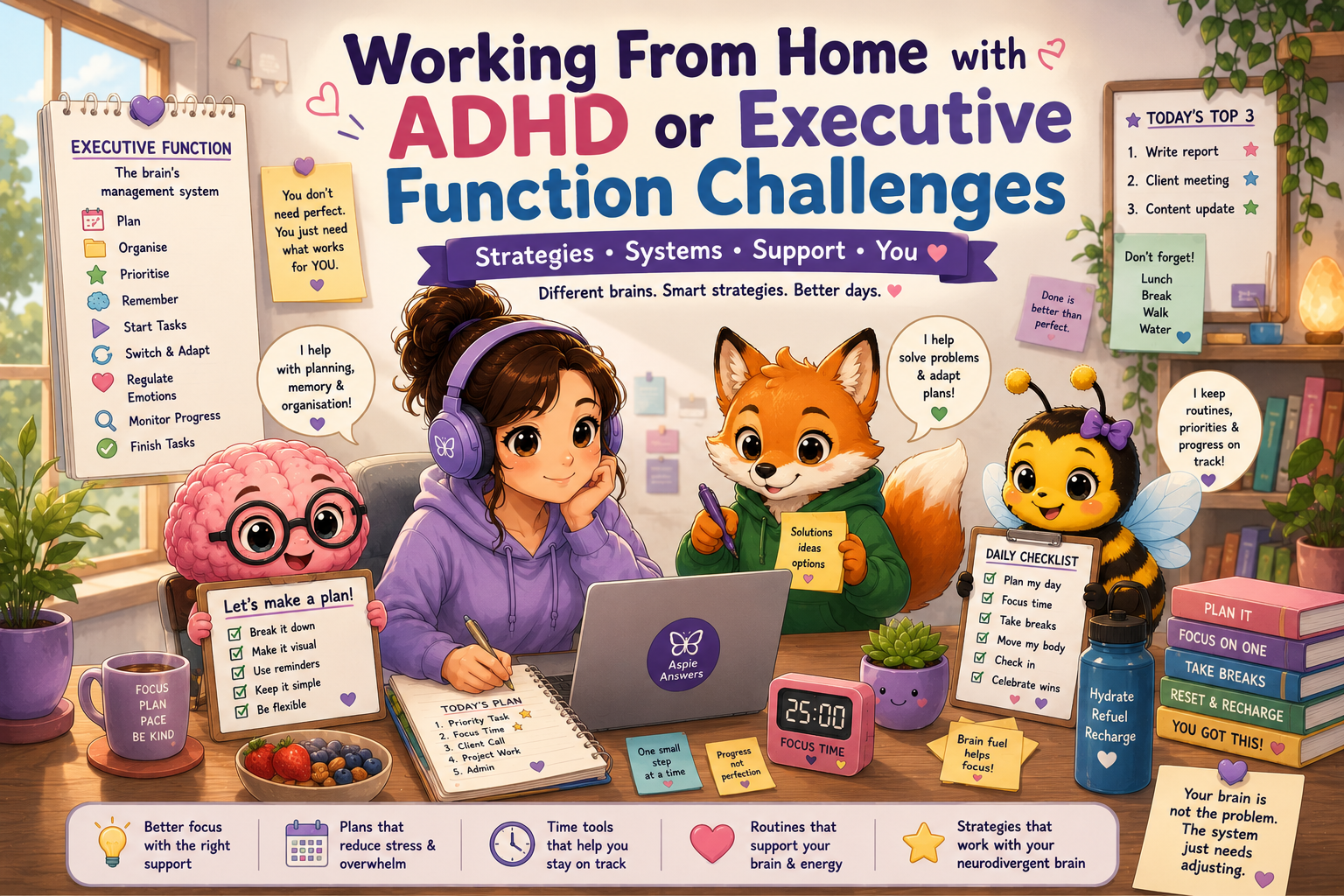
Working From Home with ADHD or Executive Function Challenges
Working from home can offer flexibility, fewer sensory demands and more control over your environment. It can also make starting, prioritising, remembering, switching tasks and stopping work much harder. This guide offers practical, shame-free ways to make home working more visible, manageable and sustainable.
Why working from home can be both helpful and difficult
Home working removes some workplace pressures, but it also removes many external cues. There may be no commute to signal the beginning of the day, no colleague nearby to create accountability, no visible office routine and no clear moment when work ends.
Fewer external cues
Without a separate workplace, your brain may not receive a strong signal that it is time to begin, change tasks, take a break or finish.
Too many competing demands
Laundry, dishes, messages, pets, noise, household tasks and unfinished personal jobs can all compete with the work in front of you.
Invisible workload
Planning, remembering, prioritising, regulating emotions and deciding what to do next can consume significant energy before the visible work even begins.
Make starting work smaller and more visible
“Start working” is often too broad. A vague instruction forces the brain to work out where to begin, what to open, what matters most and how much effort will be required. Replace it with a tiny, concrete first action.
Instead of this
- Work on the report.
- Sort my emails.
- Do the website.
- Catch up on admin.
Try this
- Open the report document.
- Write the first heading.
- Reply to the oldest urgent email.
- Open the page that needs editing.
A gentle five-minute start
Keep planning simple enough to use
A complicated planner can become another unfinished task. Use one visible place for today’s work and limit the number of priorities.
Must do
One task that genuinely needs attention today.
Should do
One or two useful tasks to complete if capacity allows.
Could do
Optional tasks that can wait without becoming a personal failure.
Use a “next action” beside each priority
| Priority | Next visible action | Estimated effort |
|---|---|---|
| Finish client update | Open the draft and add the missing paragraph | 20 minutes |
| Website page | Upload the banner image | 10 minutes |
| Inbox | Reply to three time-sensitive messages | 15 minutes |
- Keep today’s list visible on paper, a whiteboard or one digital screen.
- Move unfinished tasks deliberately rather than repeatedly rewriting an enormous list.
- Separate appointments and deadlines from general tasks.
- Choose priorities based on urgency, impact and available energy—not guilt.
Support time blindness with external time cues
Time blindness can make an hour disappear, make a short task feel enormous or make it difficult to judge when to start preparing for a meeting. External cues make time more concrete.
Use layered reminders
- One reminder to begin preparing.
- One reminder five or ten minutes before.
- One reminder at the actual start time.
Make time visible
- Use a visual timer or countdown.
- Keep a clock within your natural line of sight.
- Use calendar blocks with realistic buffers.
Add transition time, not just task time
A 30-minute meeting may require ten minutes to prepare, several minutes to regulate afterwards and time to return to the previous task. Include those hidden transitions when planning your day.
Design for attention instead of relying on willpower
Attention is easier to protect when distractions require an extra step and the current task is the easiest thing to see.
Reduce visual competition
Clear only the immediate work area. You do not need to organise the whole room first.
Create a distraction parking place
Write unrelated ideas and tasks on a nearby note so your brain does not have to hold them.
Use body doubling
Work alongside another person in person, by video call or through a quiet accountability session.
Helpful focus options
- Use website blockers during chosen focus periods.
- Place your phone out of reach or use Do Not Disturb.
- Keep only the tabs required for the current task open.
- Use instrumental audio, white noise or noise-reducing headphones if helpful.
- Alternate demanding tasks with lighter administrative work.
Do not make working memory carry the whole day
Important information should live outside your head whenever possible. A reliable capture system can reduce the fear that something will be forgotten.
Capture
- Write requests down during meetings.
- Use one inbox for quick notes and new tasks.
- Record verbal instructions when appropriate and permitted.
Retrieve
- Review your task list at set points in the day.
- Use meaningful file and folder names.
- Keep frequently used links in one visible place.
A simple meeting follow-up habit
Make task switching gentler
Switching tasks can require more energy than either task itself. A short closing routine can help your brain release one activity and enter the next.
Before stopping
- Write down where you reached.
- Record the next action.
- Save and close the relevant files.
Before beginning the next task
- Take a short movement or sensory break.
- Open only the next task materials.
- Use a new timer, playlist or visual cue.
Create a plan for low-capacity days
Capacity changes. Sleep, stress, illness, sensory overload, hormonal changes, burnout and emotional strain can all affect executive function. A reduced-capacity plan helps you respond without abandoning the whole day.
Minimum
Complete one essential task, attend critical commitments and protect basic wellbeing.
Standard
Complete the main priority plus one or two smaller tasks.
High-capacity
Use extra energy carefully without creating an unsustainable expectation for tomorrow.
Low-energy work options
- Rename or file a small group of documents.
- Reply to one straightforward message.
- Prepare materials for tomorrow.
- Review a task rather than completing the whole thing.
- Ask for clarification, support or a revised deadline when needed.
Communication and reasonable support
Some people benefit from workplace adjustments or clearer agreements with a manager, client or support person. The most useful support is specific and connected to a real barrier.
Possible supports
- Written instructions and priorities.
- Clear deadlines and expected outcomes.
- Regular brief check-ins.
- Advance notice of changes.
- Fewer unnecessary meetings.
- Permission to use focus tools or flexible scheduling.
A simple way to explain a need
“I work best when priorities and deadlines are provided in writing. After meetings, could we confirm the main actions by email or chat?”
“I may need a short buffer between online meetings so I can record actions and prepare for the next task.”
Build your personal home-working support plan
Choose only a few supports to begin with. A small system used consistently is more helpful than a perfect system that becomes overwhelming.
| Challenge | Support I will try | When I will use it |
|---|---|---|
| Difficulty starting | Five-minute timer and one tiny first action | At the beginning of the workday |
| Losing track of time | Visual timer and layered calendar reminders | During focus blocks and before meetings |
| Forgetting instructions | Written meeting notes and immediate task capture | During and directly after meetings |
| Difficulty stopping | End-of-day alarm and closing checklist | Thirty minutes before finishing |
My first three supports
- One support for starting: __________________________________________
- One support for remembering: ______________________________________
- One support for stopping or switching: ______________________________
Related Working From Home pages
Use these pages together to build a home-working setup that supports your environment, routines, energy, attention and boundaries.
Please update any link slugs above if your final WordPress URLs differ.
Work with your brain, not against it
You do not need to recreate a traditional office inside your home. The most supportive approach is the one that helps you begin, remember, focus, communicate, rest and finish with less strain.